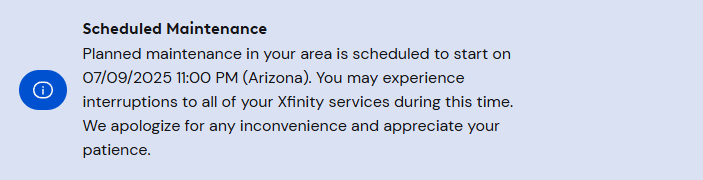
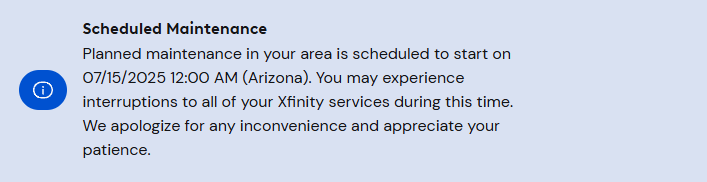
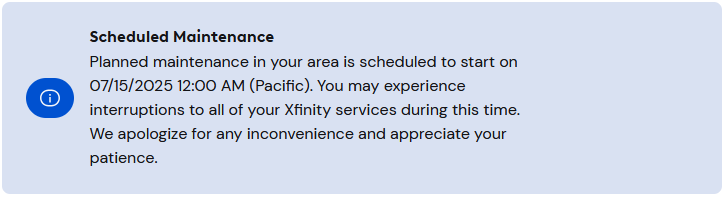
michael Had the same thing a year ago and this year, all though the maintenance has quieted down in the past few months. When the start time for the maintenance is reached, the status map will change to “Everything looks good!”. So you have to refresh the page and check your address again. (or just wait 15 minutes or so and then check). Start time can vary, but the status map often reported 12:01 AM, 12:08 AM, 12:14 AM, 12:38 AM, it varies lol. Sometimes things never change to show maintenance occurring, or the maintenance start time gets bumped out 24 hours. (Even seen things get bumped out 5-10 minutes before the maintenance was scheduled to start).
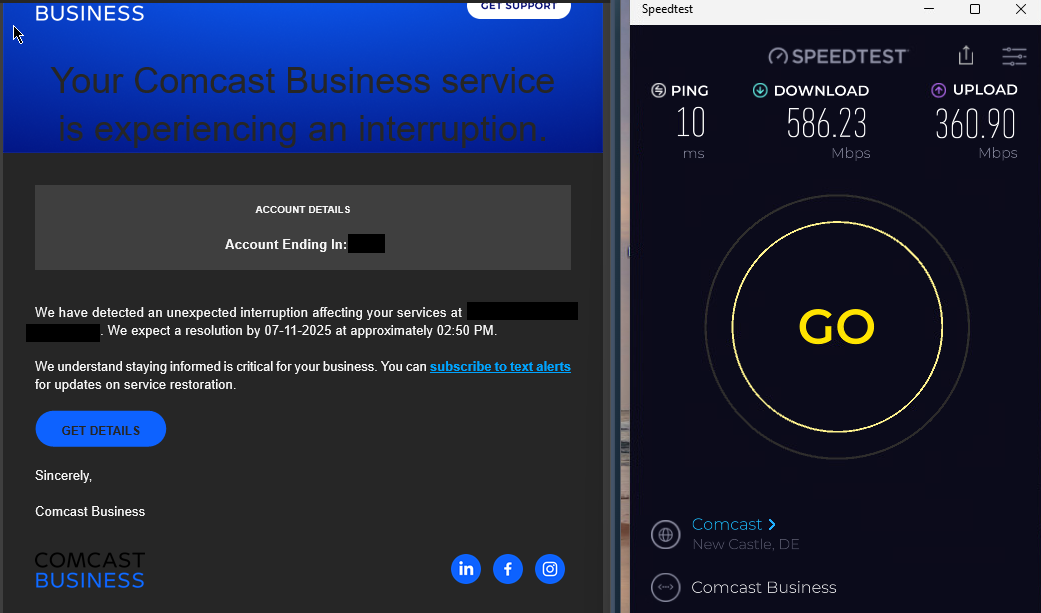
Usually the maintenance shows for all nodes in town. Sometimes, only legacy sub-split nodes will have maintenance pending, and mid-split nodes will not. Or vise versa. I have also seen the time be off by 1 hour for the maintenance between the two. Not sure how much this matters but when my cable modem loses sync during maintenance, the Metro-E connection at work also drops offline at the same time.
Here is my favorite, there was no loss of service during this maintenance, but it went on for 36 hours lol (this only happened once). Last updated is when I refreshed the page and pulled the current network status. Maintenance cleared at around 2:00 pm the following day. This maintenance was on-going for my entire town like 99% of them are. Only remember one back in November 2023 that was for my node only.
Every time there is maintenance in my area and the modem does not lose sync, I prey that Comcast is doing head-end upgrades, such as installing a vCMTS or adding DAAS ports. Some of these last several hours, whereas other maintenance events are over in 20-30 minutes. Still many sub-split nodes operating around me!