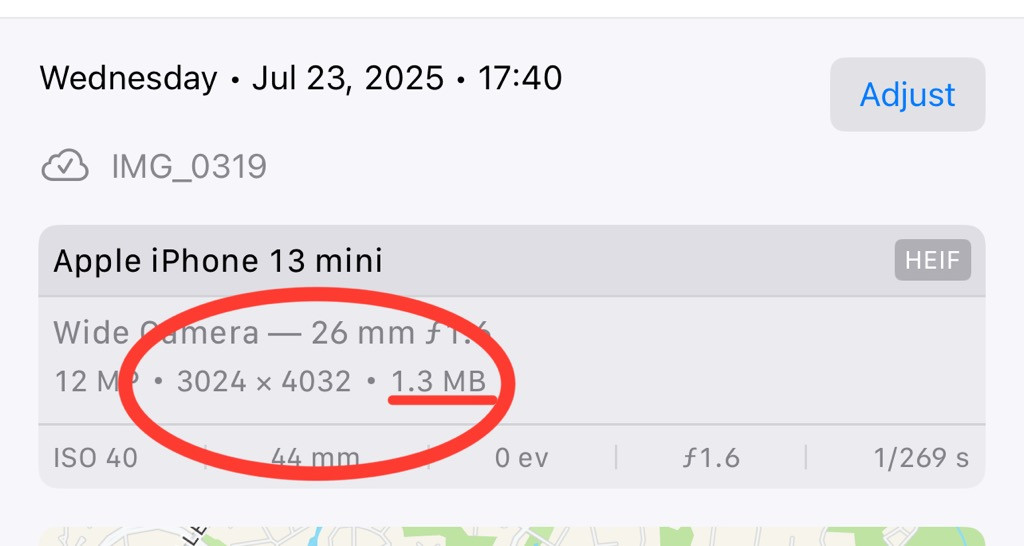
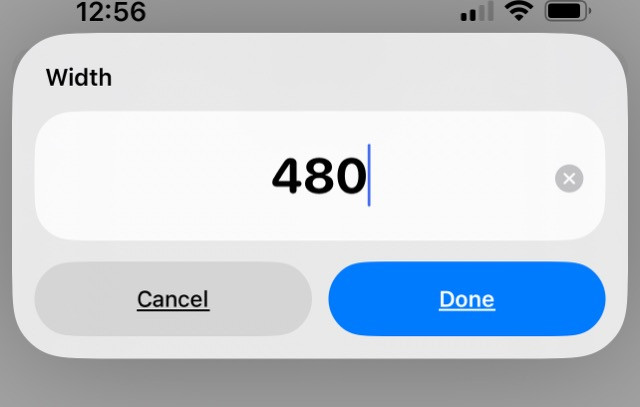
cypherstream Shame on me, I just remembered the simple way without Shortcuts. 🤦 (If it’s HEIF format, this takes care of it, too. HEIF is way better for a default photograph format, e.g. on vacation or taking selfies.)
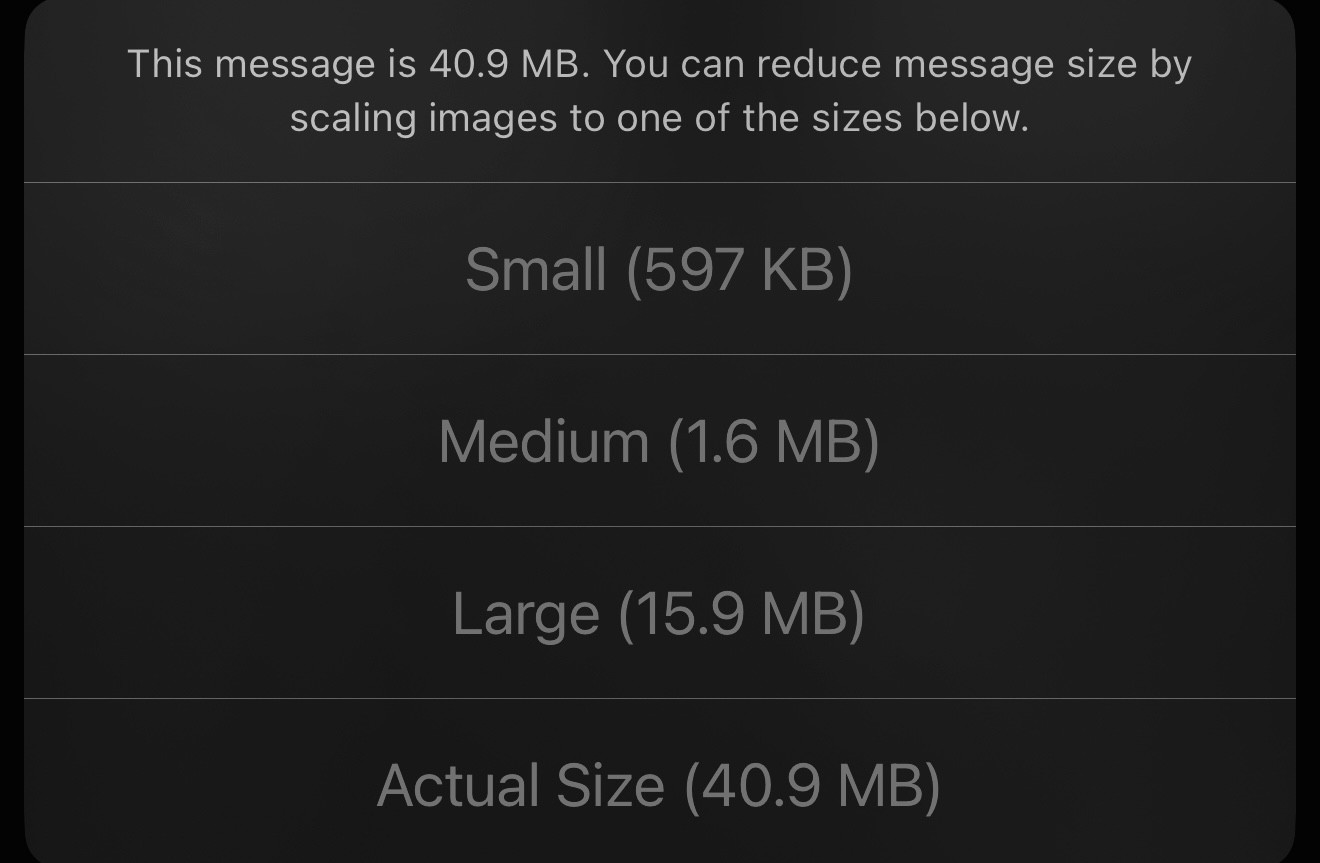
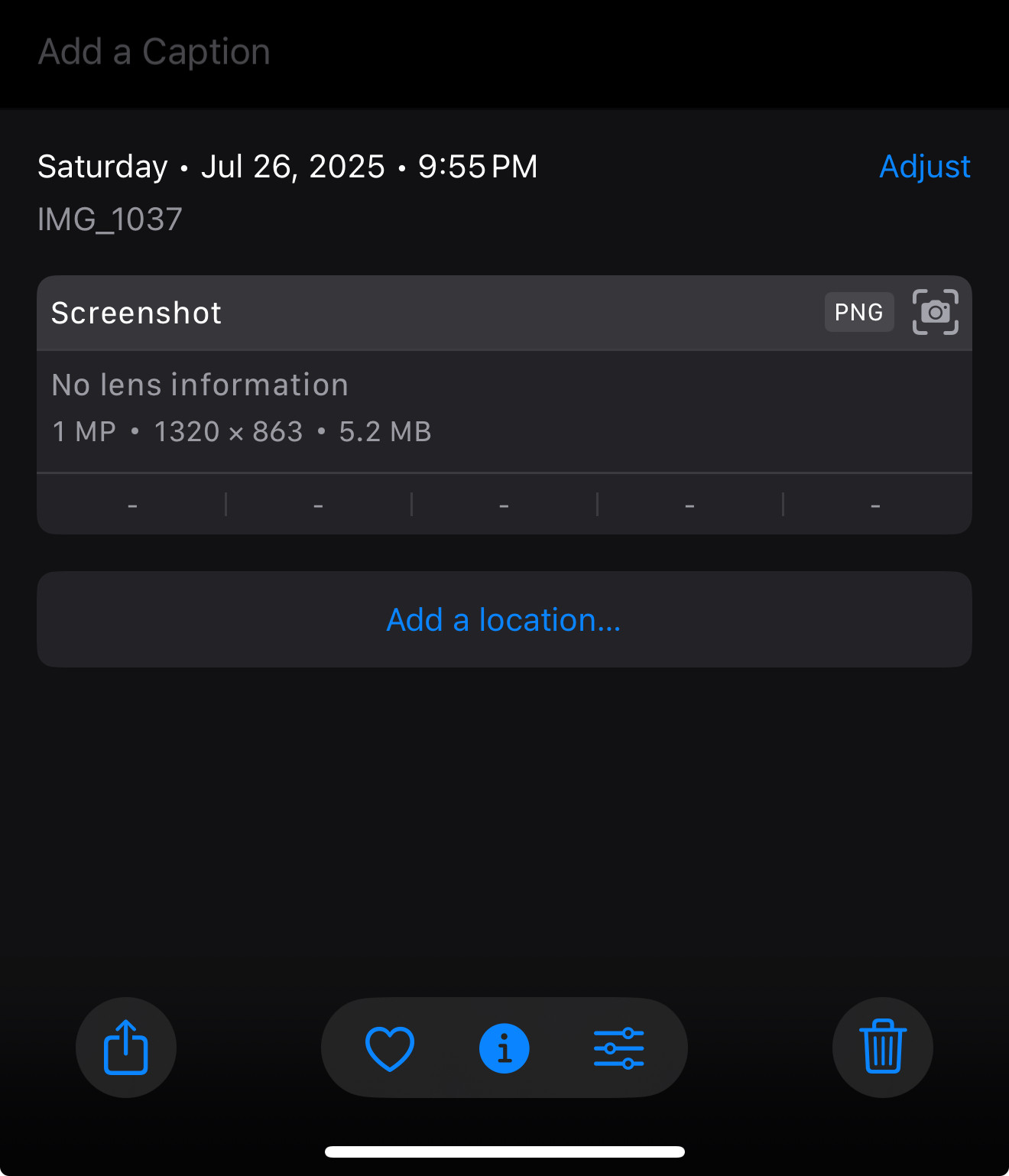
Under share options, Save to Filles. Now find the exported image in the Files pap. Tap on it, and under Quick Actions, select Convert Image…. You can select JPG (smaller), PNG (usually way biggerer). For forums, JPG is fine. Now it asks you size … original, large, medium, small. I find even Large is okay for online use, but Medium will surely suffice. You can check file size here in Files before uploading.
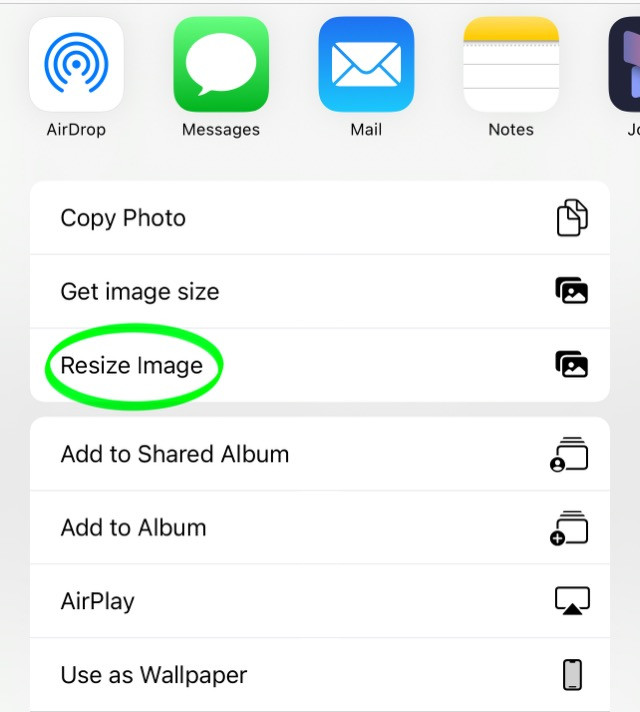
I prefer the Shortcut because I can do it right in Photos, and macOS and iOS pickers will let me select from the Photos gallery, no “saved file” needed. YMMV. But for work I have to save to files so that Microsoft Copilot can upload to my corporate OneDrive. 🙄
HardlyWorthit Terminal commands for macOS screenshots:
defaults write com.apple.screencapture type jpg
defaults write com.apple.screencapture type png
defaults write com.apple.screencapture disable-shadow -bool true
then
“killall SystemUIServer”
As always, be very precise and careful using Terminal, particularly if you have sudo permissions.