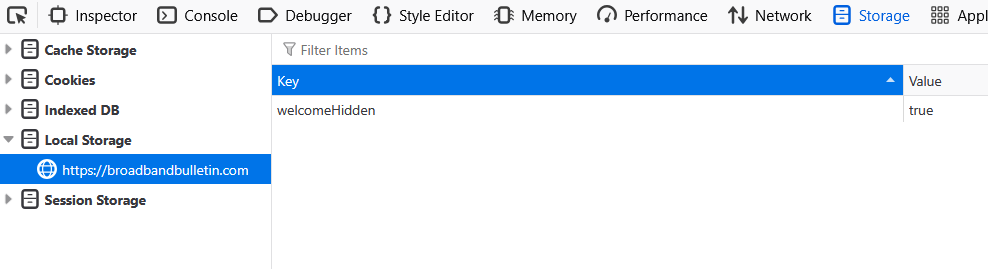
Type some stuff into the reply box. Then click the floppy disk icon.
You’ll see this at the top of the screen next to the notification bell: 
That means you have 1 saved draft. You can close the reply box. Whatever was typed when you clicked the floppy disk was saved.
Clicking on the “Drafts” icon at the top will show a snippet of the saved text, like this:
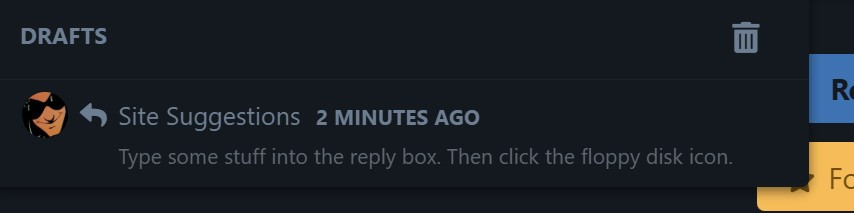
Clicking on the text restores what you saved to the reply box.
After that you can continue typing or hit “Post Reply” to post.
You can delete the Draft with the trash can icon.
Like most things with this site, learn by doing.