This website uses different terminology than you may be used to. Some websites may use the term, forums, here we call them tags. Similarly, other websites may use something called threads, here they are called discussions.
You can add your favorite Tags to “My tags” for easy access.
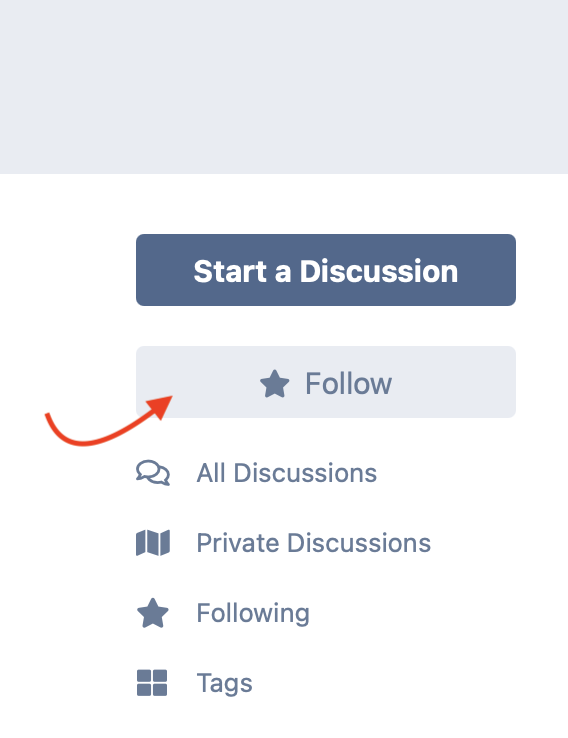
You can dismiss most stickies by marking them as read. You can’t dismiss super-stickies. Click on the unread indicator from a list of discussions to mark as read.

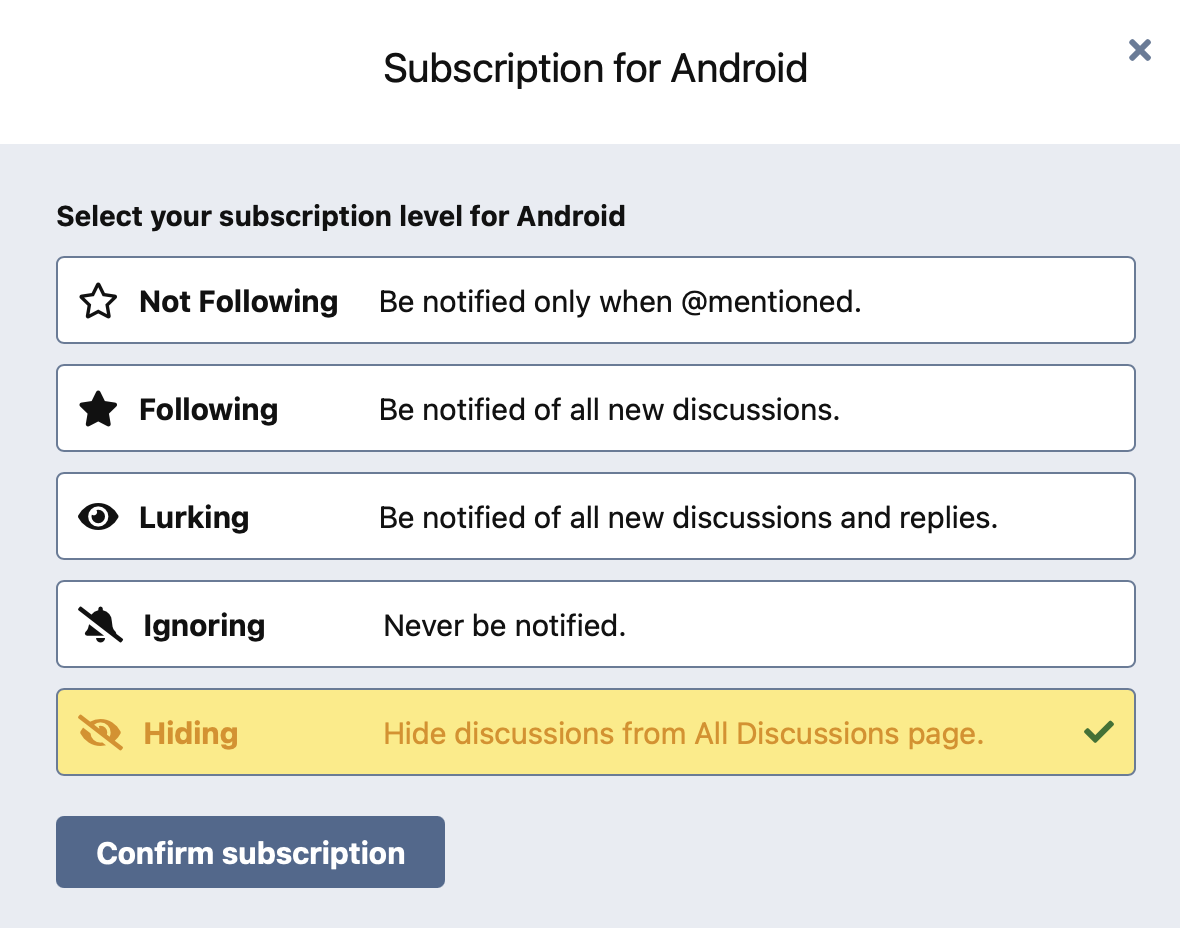
You can hide all discussions with a particular tag. This way they won't appear on /all view.
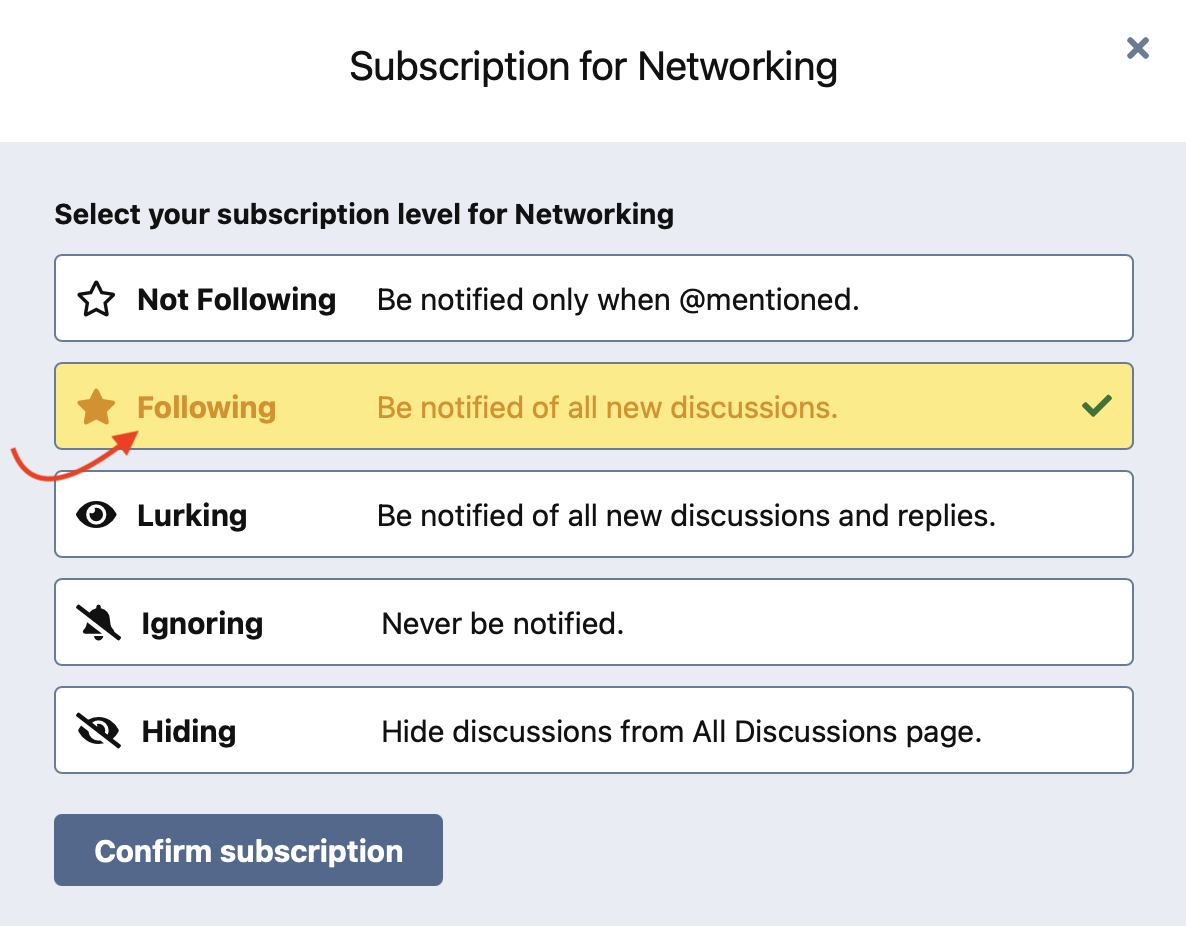
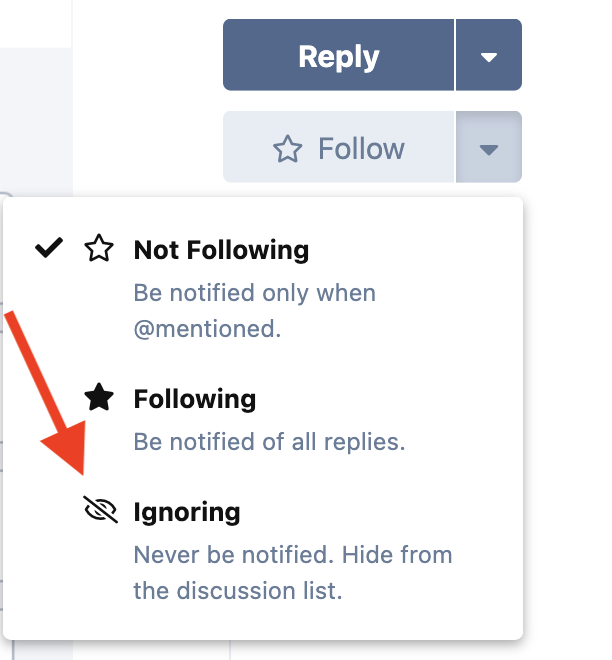
You can ignore individual discussions. You won’t be notified about them, and you won’t see them in your discussion list. When viewing a discussion, press the triangle next to Following, then choose Ignoring
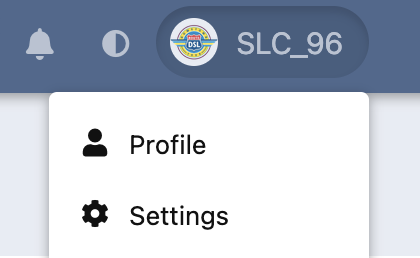
Notification Overload – Check the settings page to make sure you don’t get overloaded with notifications. Many people like to disable these: (1) Someone creates a discussion in a tag I'm following (2) Someone posts in a tag I'm following.
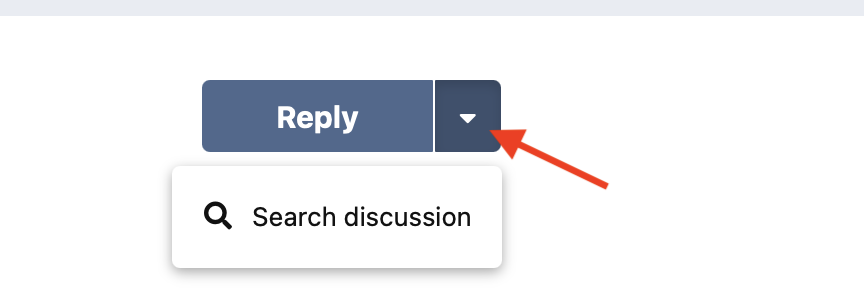
You can search within a discussion by clicking on the down arrow next to the reply button.
Hover over a user avatar to read their bio.
You can reply with an inline quote by selecting the text you want to quote, then press quote.
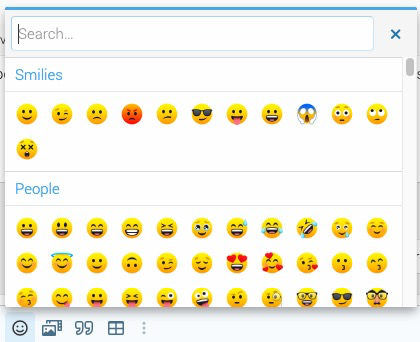
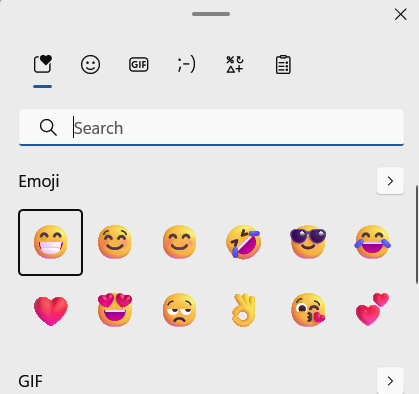
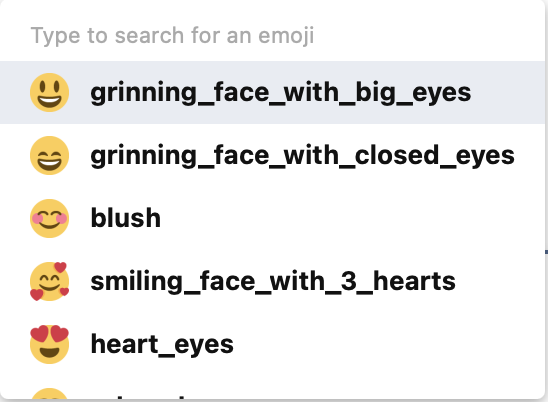
Pick an emoji by pressing : then type the name of the desired emoji. Ignore the regional_indicator lines, just keep typing the name of the emoji you want.
To get a permalink to a post, click on the date of the post.