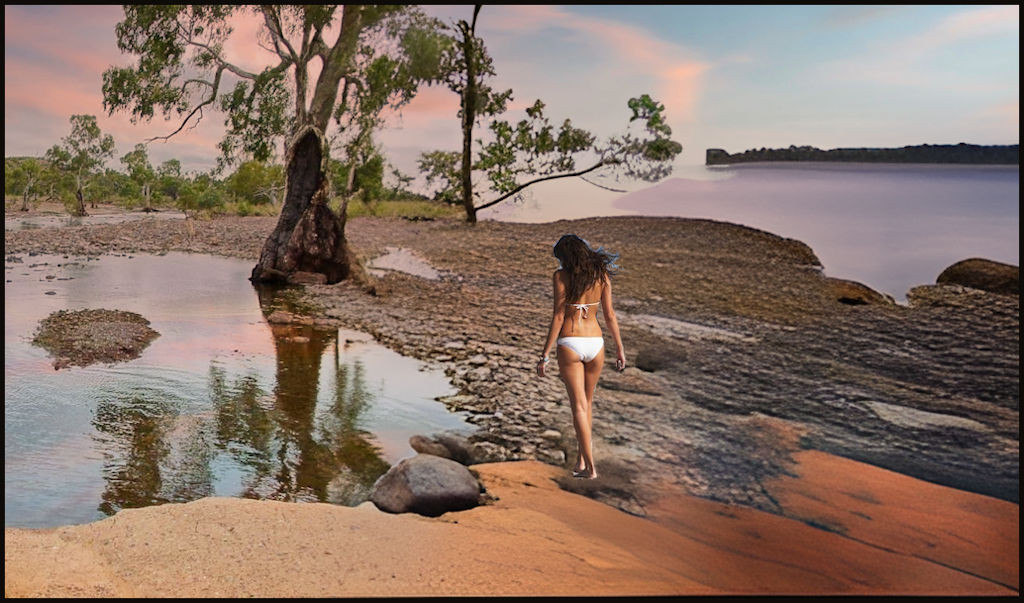
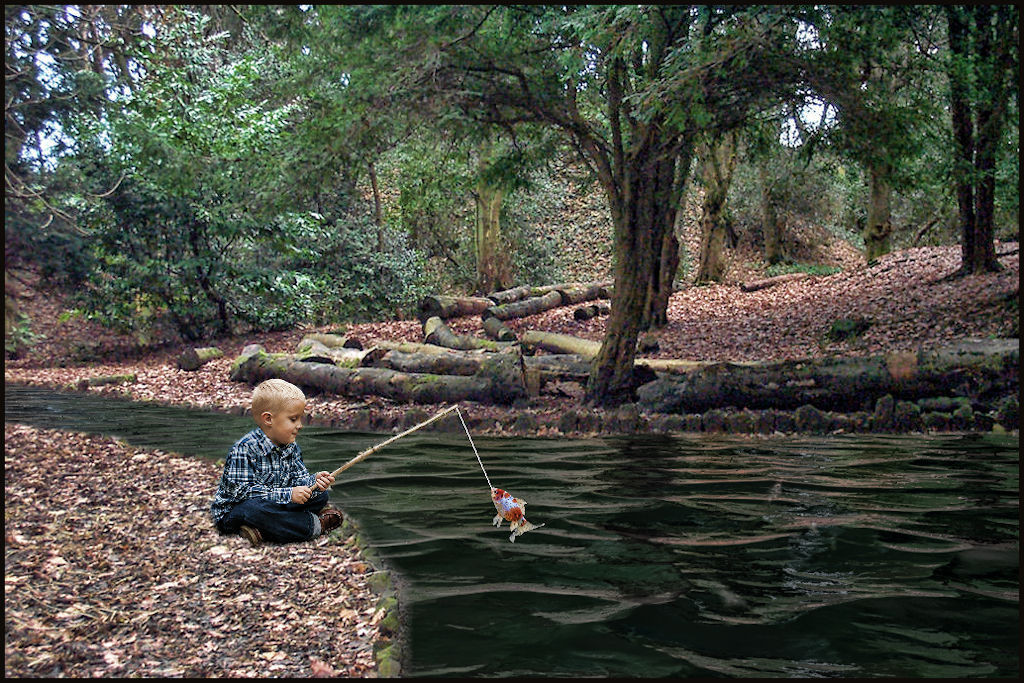
In GIMP - Find a woman in a similar position and place it on a new layer. Isolate the woman.
With the clone stamp tool, copy (clone) the shirt onto the woman.
In a new layer, find a pair of white headphones. Isolate the headphones, scale and locate on the head. In my case, the headphones were actually gray. Colors --> Desaturate --> Color to Gray turned them white.
With the clone stamp tool, copy (clone) the background on top of the original later woman to make her "disappear".
Colors --> Hue -Saturation then Levels... to get the woman in the right amount of saturation and brightness, contrast.
Tip: Always, always create a duplicate of the layer you're working on. If you mess up, you can start again.