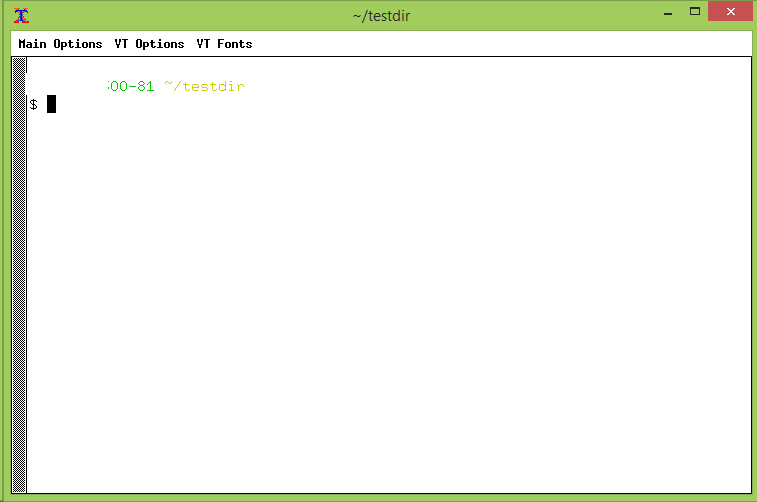
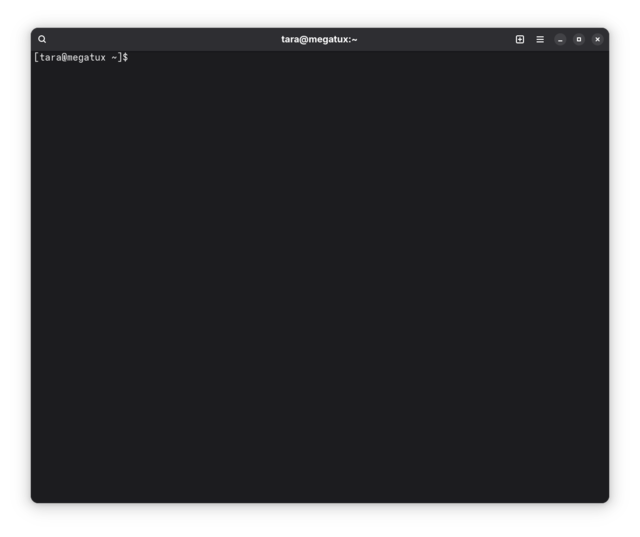
ElQuintron The distro of your choice may not have xterm, but it’s sure to have something like it, as all distros have some kind of version of this. I’m running a fairly modern distro, and I have xterm installed.
Lots of modern distros don’t even have xorg installed, which is probably why real_aurgathor couldn’t find it (or get xfig working). xterm is old school - I don’t know anybody who uses it by choice any more. I use kgx, personally – it’s wayland, 3d-accelerated (I know that sounds superfluous, but it makes a huge difference when you have a lot of text flying by), and has customizations that make it a lot more usable on modern high res screens. There are many alternatives out there that are all objectively better than xterm.
real_aurgathor so distros should be tested under major VMs to ensure that they will install fine w/o issues.
Many of them are. But I can’t say I’ve had issues with any of the distributions I’ve tried in a VM. Maybe the problem isn’t the distro, it’s your choice of hypervisor.
real_aurgathor istros should have the information about minimum and recommended amount of resources in an easily accessible document
Most of the ones I’ve seen have something like that on their install guide. But it’s also really hard to pin down, because it depends a lot on what you actually want to do with it. The system requirements for a headless server are very different from the system requirements for a full desktop with both Gnome & KDE apps installed. As a general rule of thumb, if you throw 4GB of RAM & 20GB of disk space at a VM, I haven’t ever seen a distro that wouldn’t run. It’s overkill for some of the smaller/lighter distros, but it’s enough to run a stable desktop environment.
real_aurgathor One of the program I use mos is xfig and it is obviously not available in every distro. One installed another program when I tried to run xfig, Zorin showed me a commandline to install it, but it didn’t do dissly squat when entering that commandline.
It exists in the Fedora repos. It does not exist in Arch main repos but is in the AUR. I’d suggest Fedora, but they have officially deprecated xorg so you’re going to run into problems if you insist on xterm as your terminal emulator. The good news is that they have kgx installed by default on the Gnome environment. 🙂 It’ll show up if you hit super key and start typing “terminal”.
real_aurgathor After installation, they both ran but he font was a bit too small, so I tried to increase its size,
That’s because you’re trying to use a 40-year old terminal emulator that was designed for an era when 640×480 was “high resolution”. Don’t make it hard on yourself. Use something more modern. Literally any mainstream terminal emulator has options for colour scheme, font, text size, etc..
real_aurgathor need for manual partitioning – I know how to use cfdisk, but distros targeted at general use should partition the disk with no or little interaction.
Pretty much every Linux I’ve installed in the last 10 years has automatic partitioning available. Even Arch, through archinstall, can do automatic disk partitioning. You only need to use manual partitioning if you’ve already got something filling the disk and want to preserve it.
Honestly – try Fedora. I think it’s probably the distro you’re looking for.