I was using my computer early morning, and it just shut itself off completely unexpectedly, and initially I was unable to turn it on.
Turned it on about 30 minutes later – nothing in event log, but the BIOS log had quite a bit of stuff.
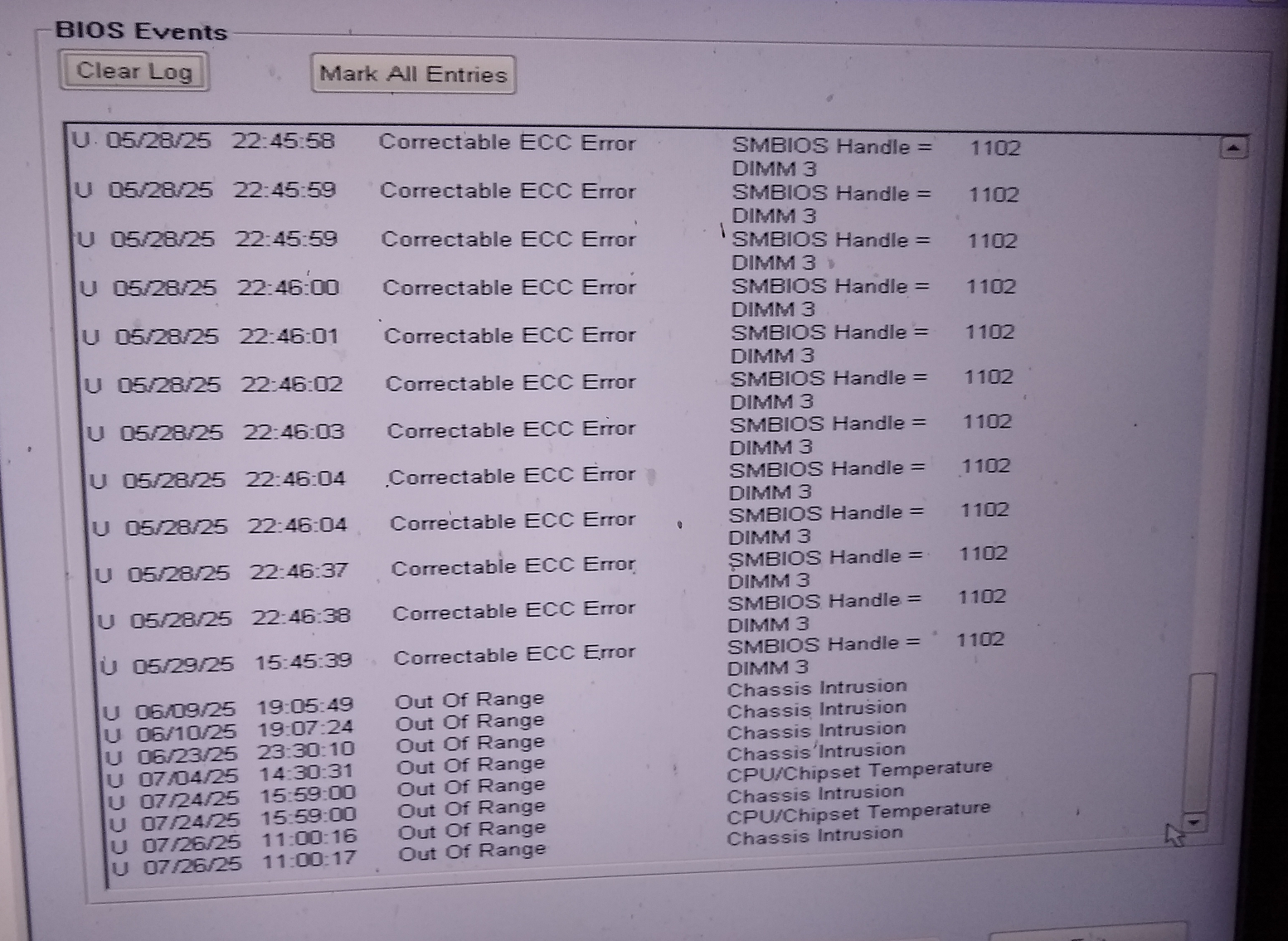
Turned out, the fan error I’ve been seeing (and ignoring) lately was real because the CPU fan wasn’t spinning. Ooops. The fan in the cage next to it was still working so heatsink did get some airflow, but not a whole lot, After swapping fans in the cage the fan for the CPU fan is working now, but the generic case fan is not. But that’s much less important.
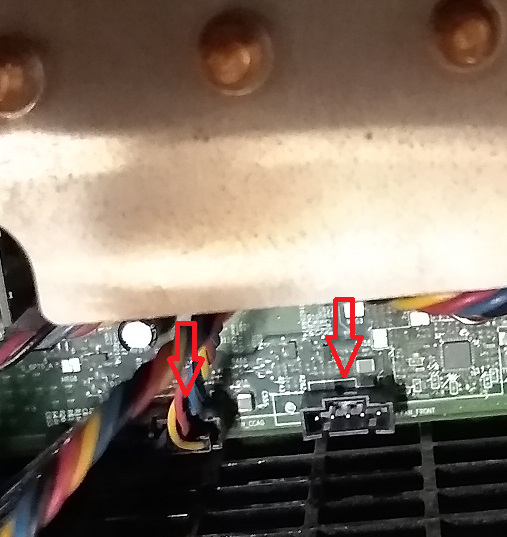
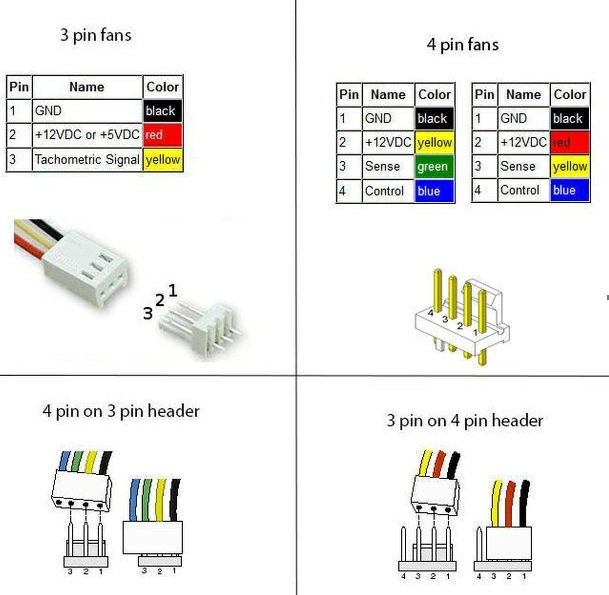
In any case, I traced to issue to a bad connector which is shown below:
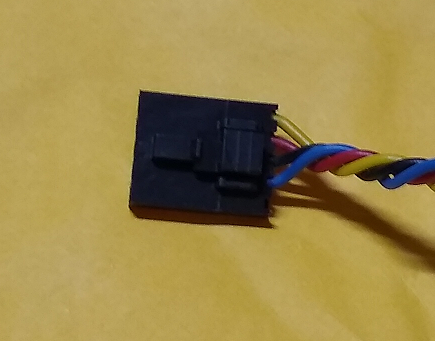
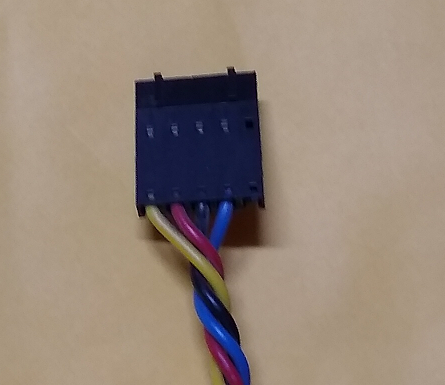
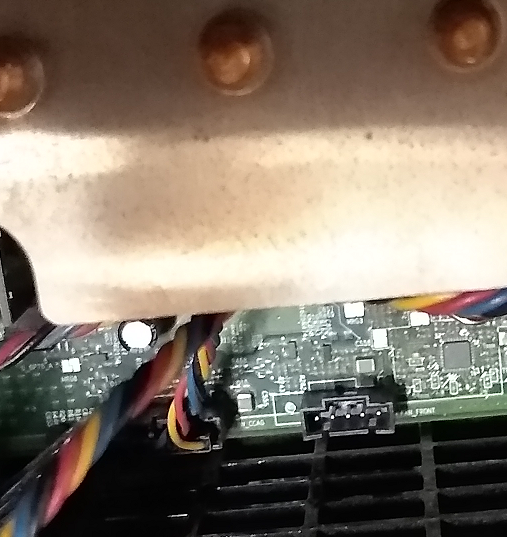
Doe anyone know the part name or number for this connector, so I could order a couple from digikey?
Lastly, I attacked the memory errors. I tried removing and the reinstalling the memory, but I got some configuration errors during boot, and while the BIOS was showing all 24 Gig, windows was showing 16 Gig usable out of 24 Gig, which I have never seen before. After some memory exchanges and somewhat random errors, I just got my DeOxit and cleaned the contacts on all memory modules, and that fixed the issue, at least for the time being. Now I know that if I have memory issues again, it will probably be a contact issue. I didn’t pay much attention to it before. but the contacts on the memory modules are gold plated while the contacts of the SIM sockets are tin plated, and that is known to cause some issues, However, the sockets cannot be replaced, and the PC is old enough that I’m not going to spend money on another set pf memory modules.