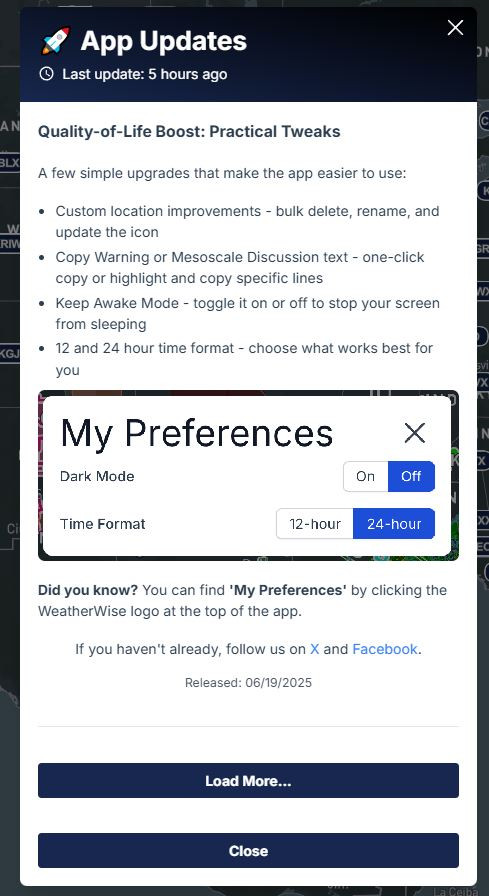
Quick Tutorial: Getting to Menus
Menus inside the App Menus for Settings
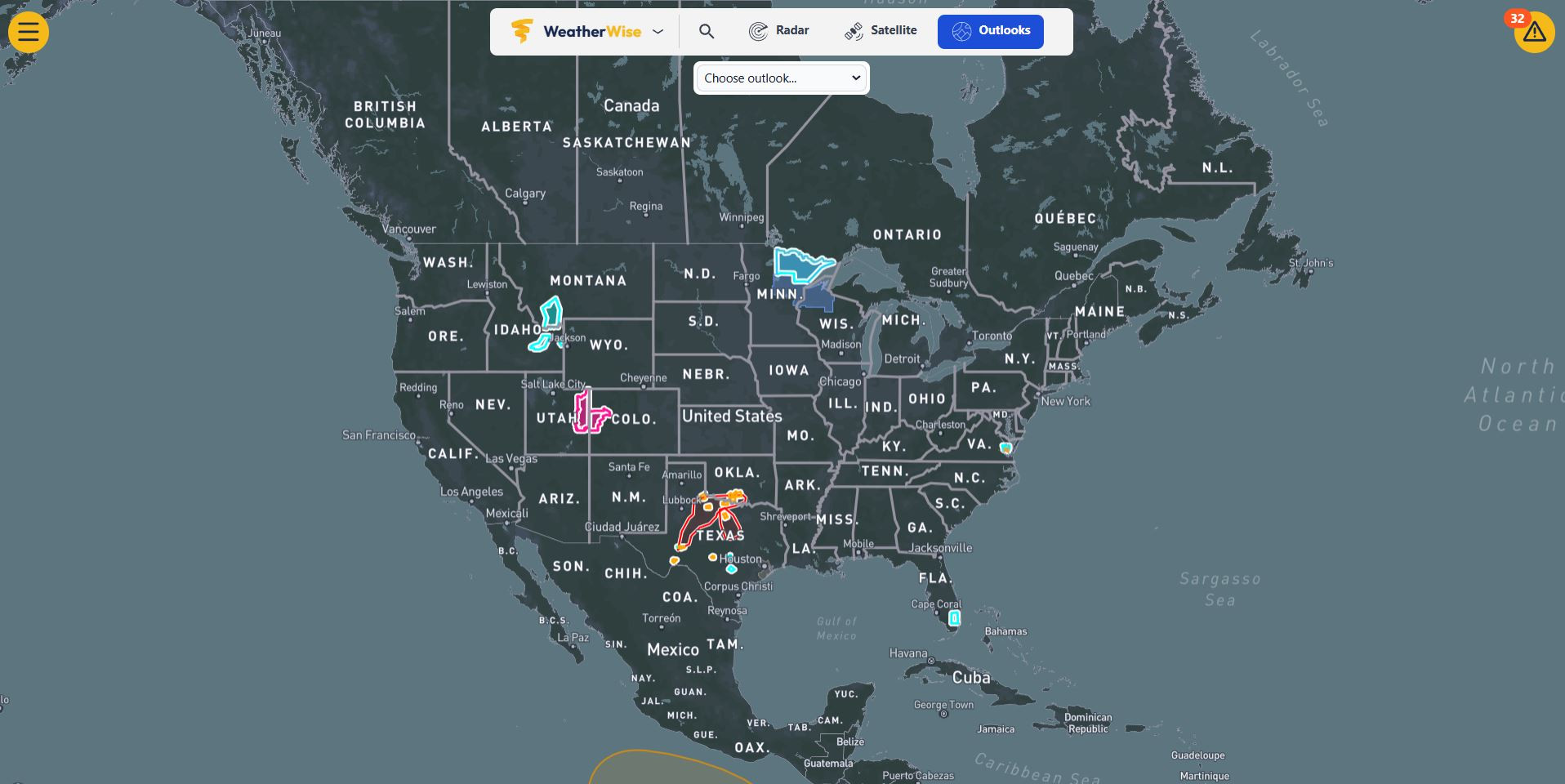
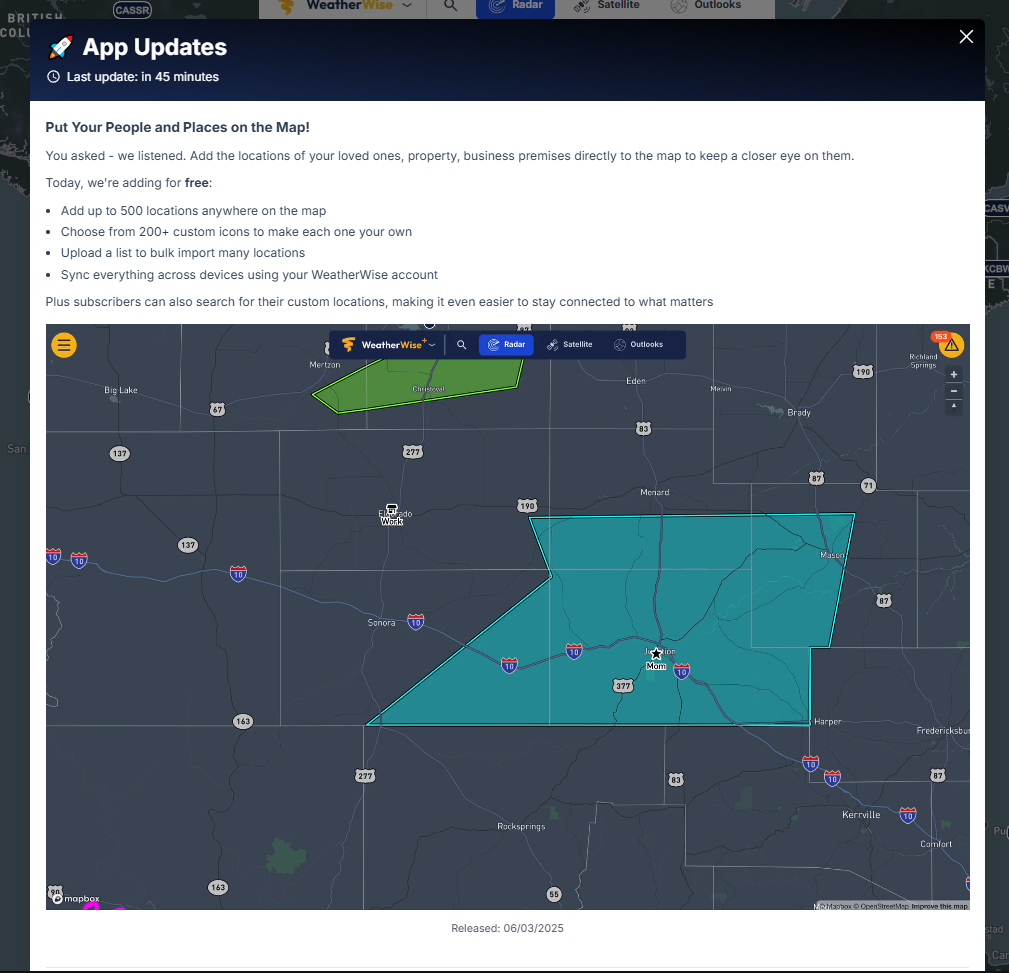
Under Burger top left
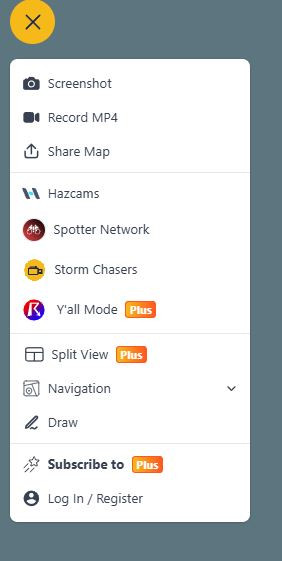
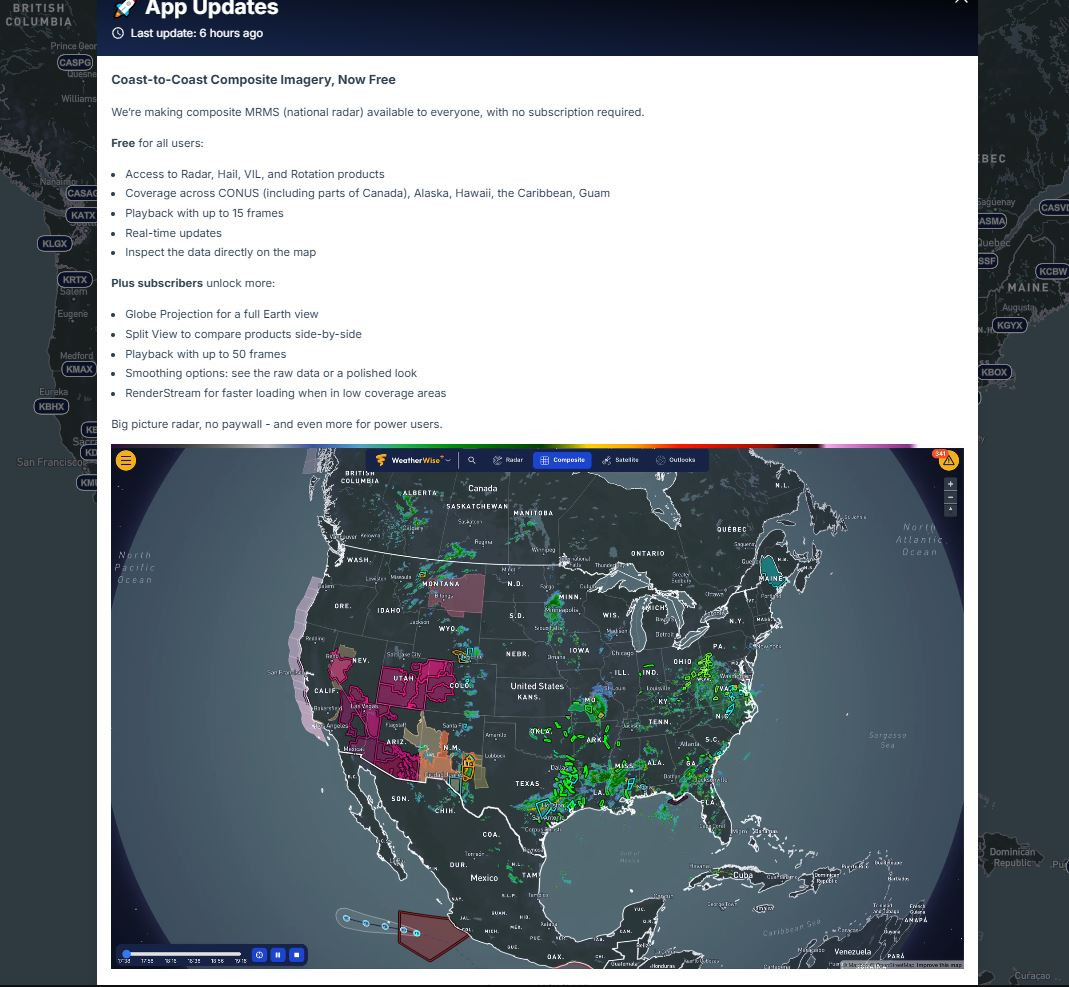
Under WeatherWise menu in the Top Middle
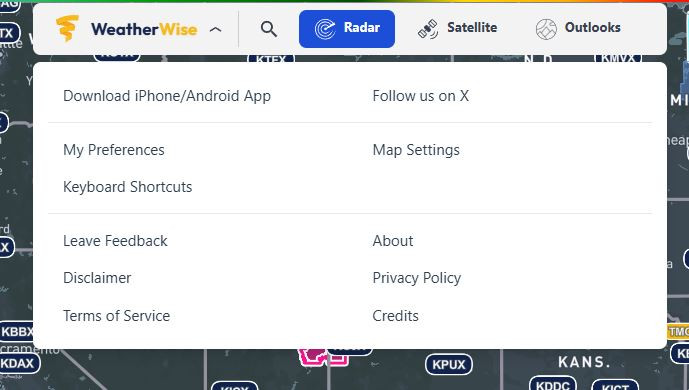
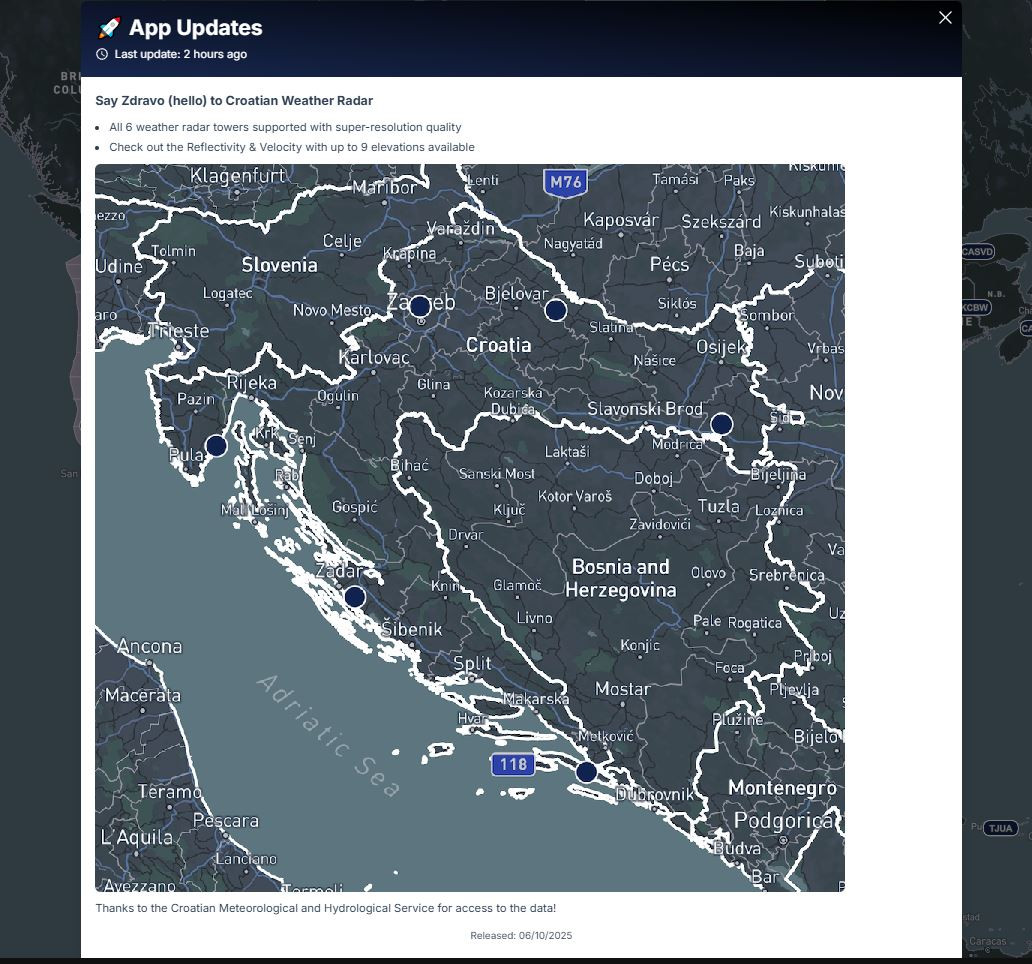
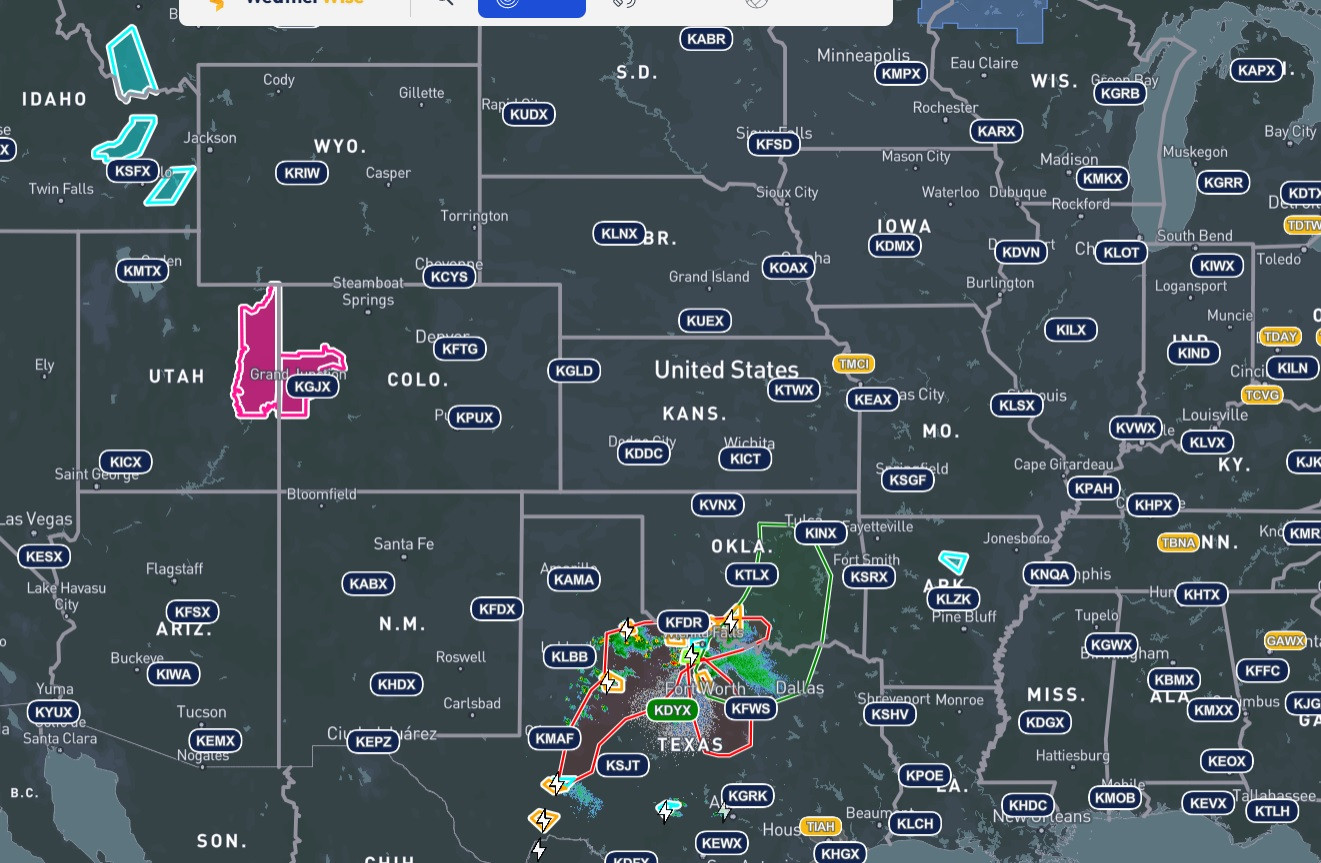
Top Middle Radar
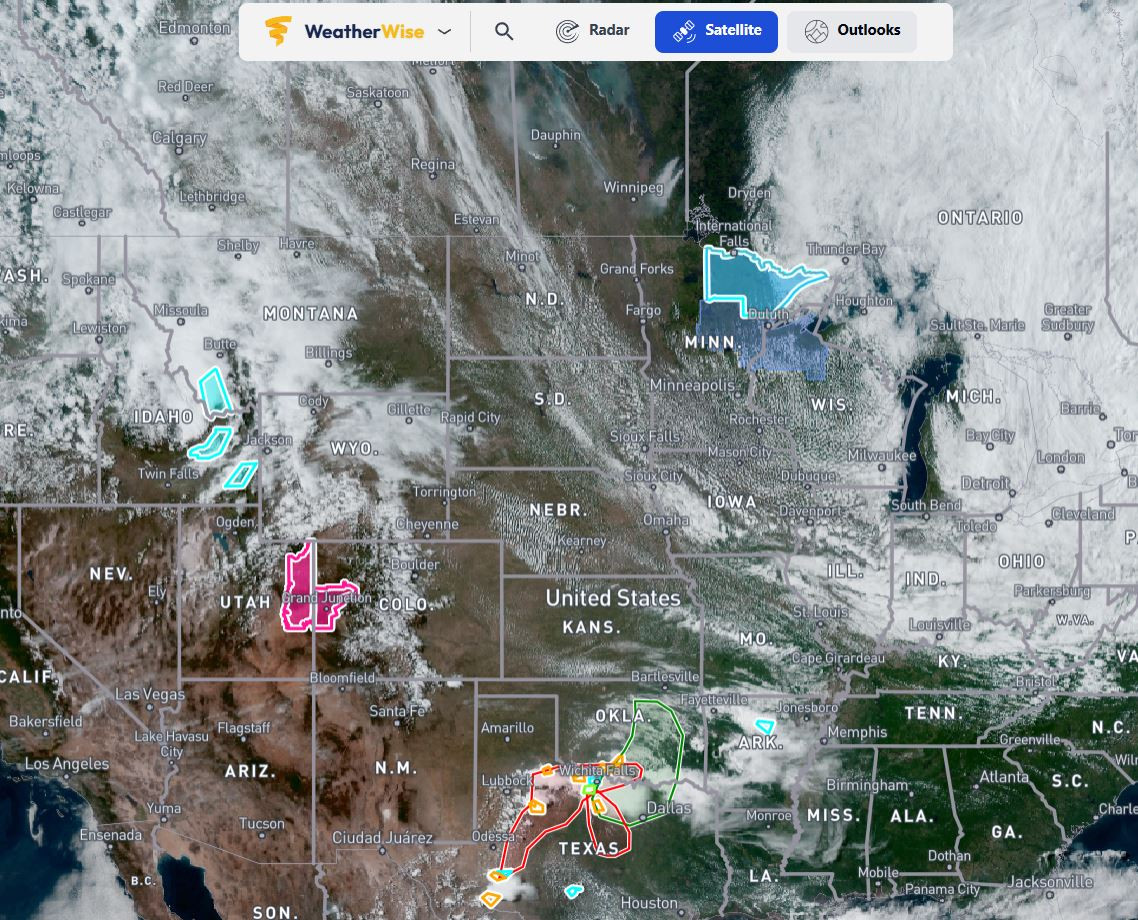
Top Middle Satellite
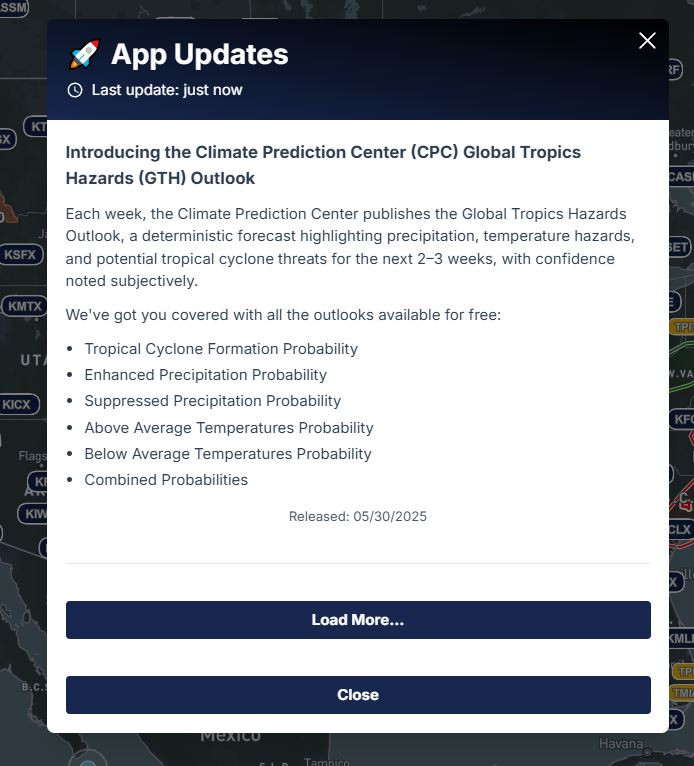
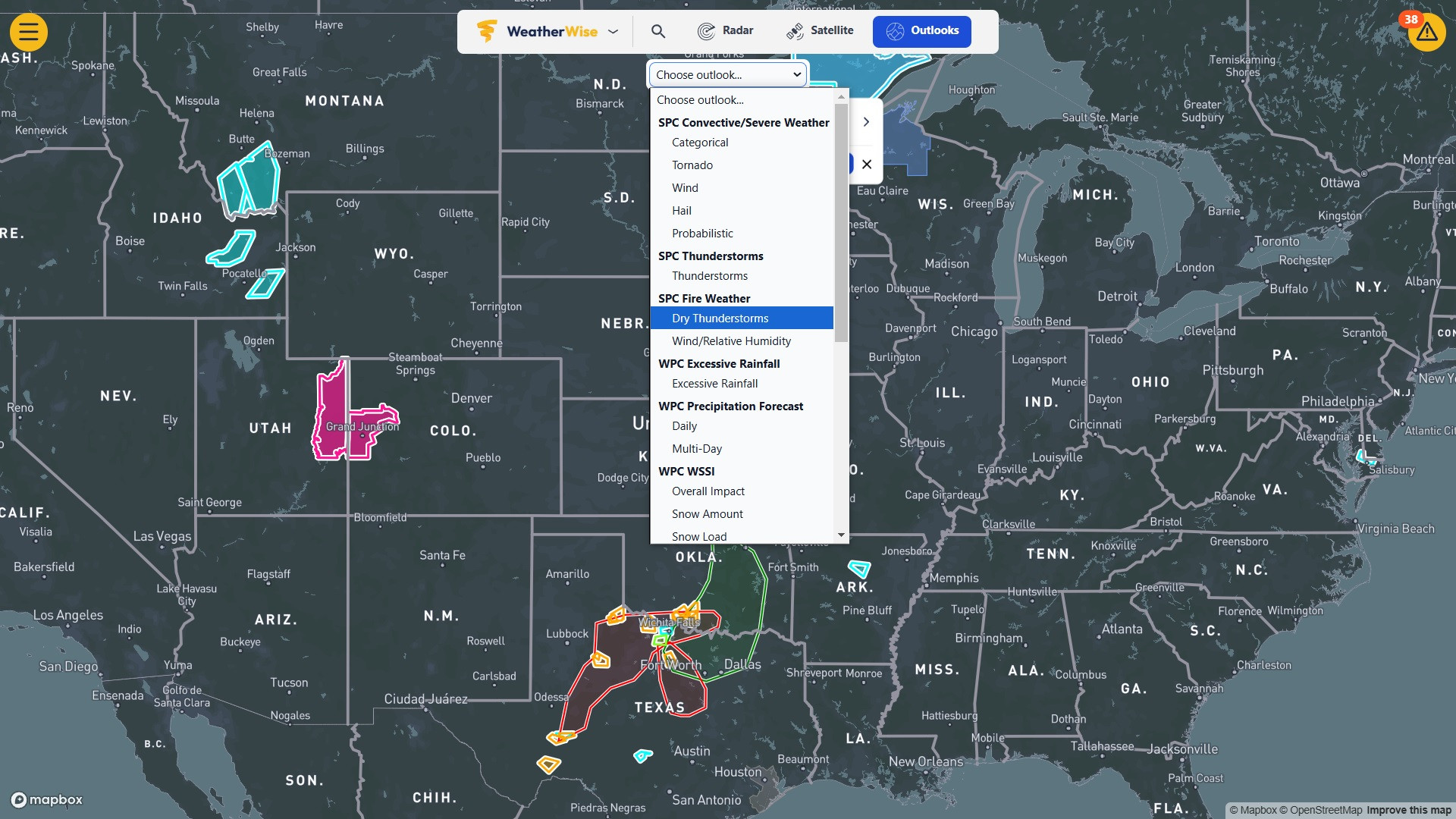
Top Middle Outlooks
Clicking On The Warning Will Fly You To The Storm In Radar
Under Triangle upper Right
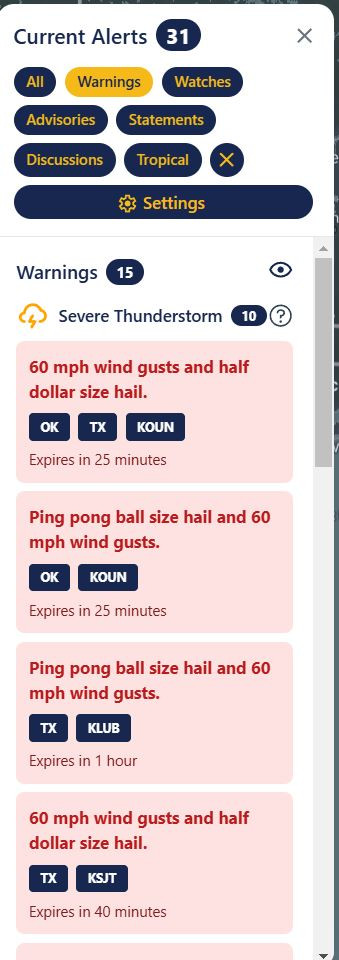
Settings under Triangle
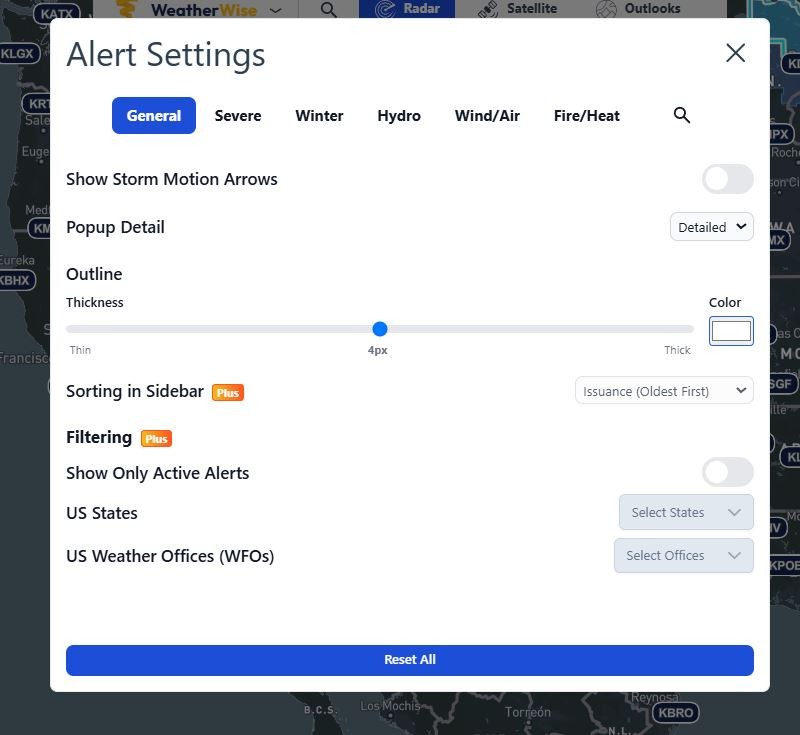
General Tab
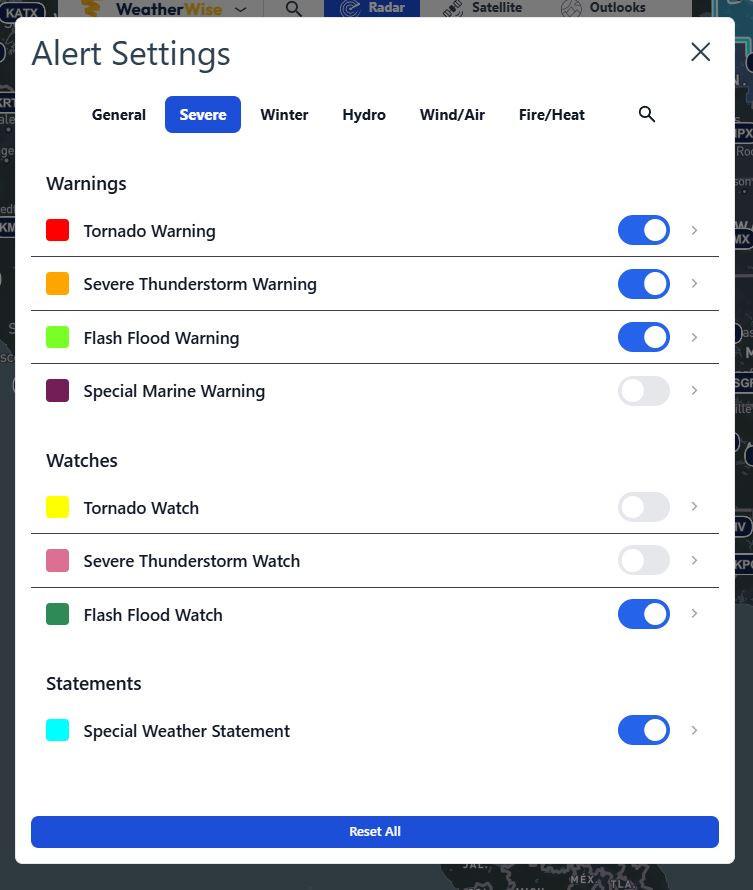
Severe Tab
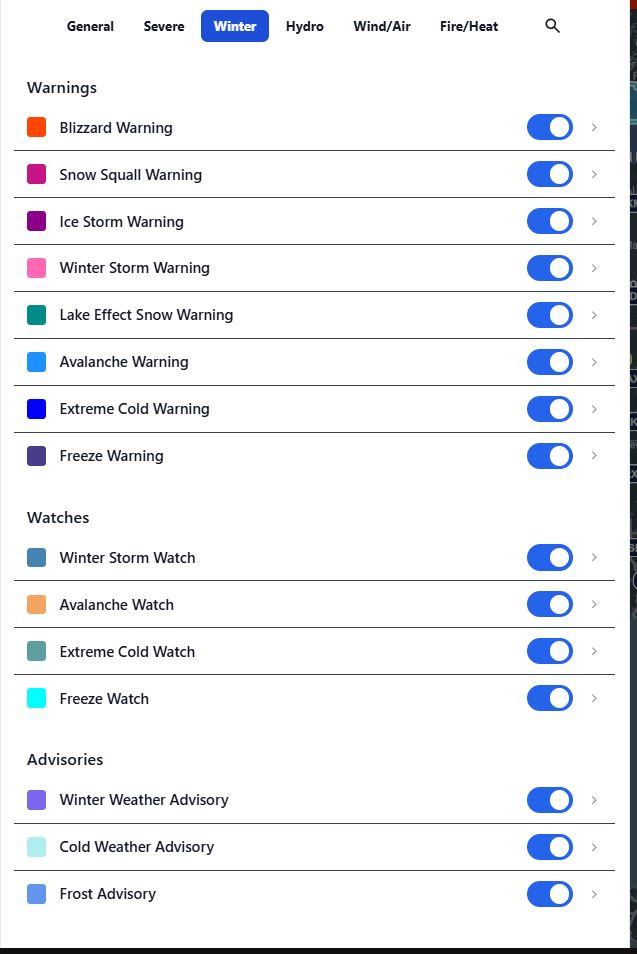
Winter Tab
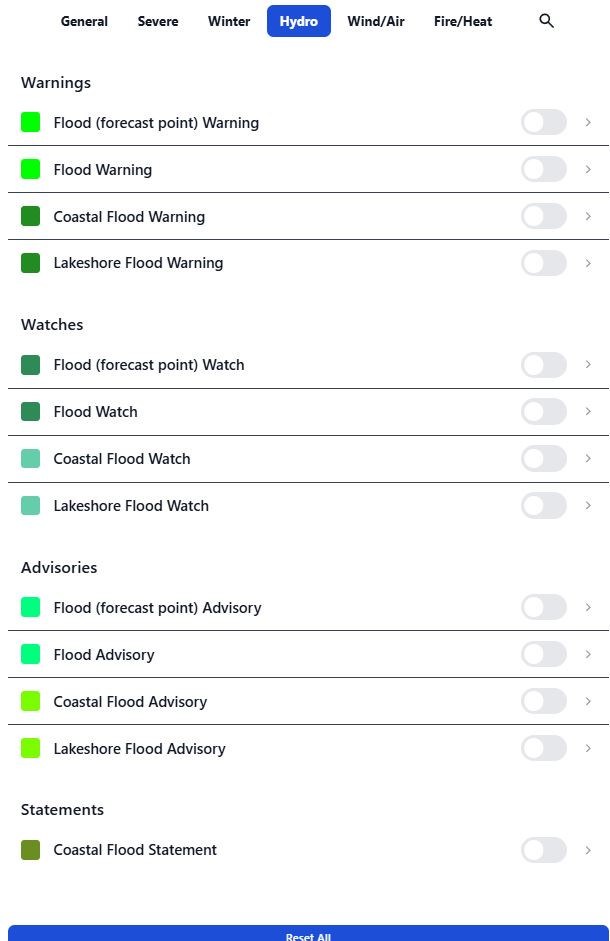
Hydro Tab
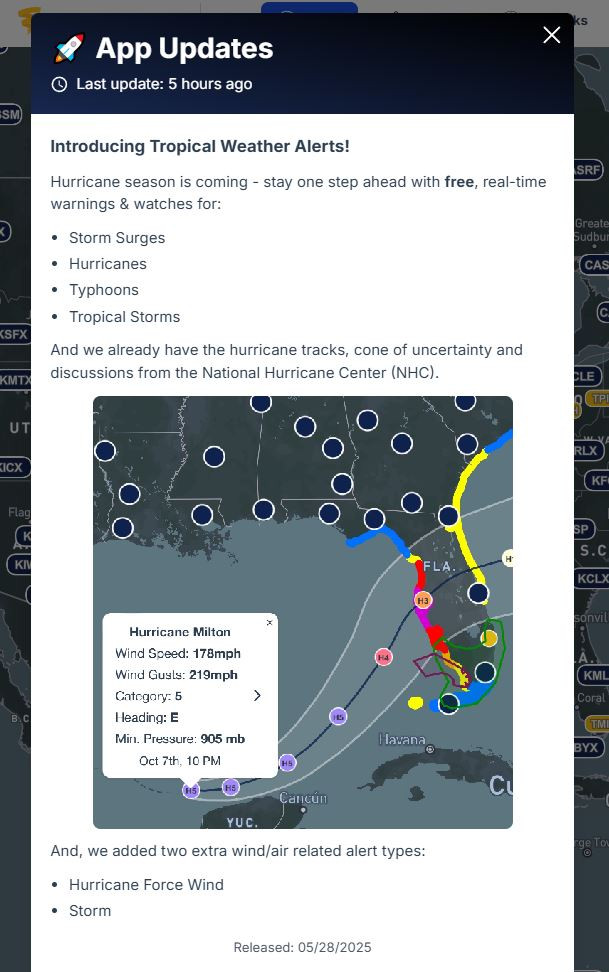
Wind and Air Tab
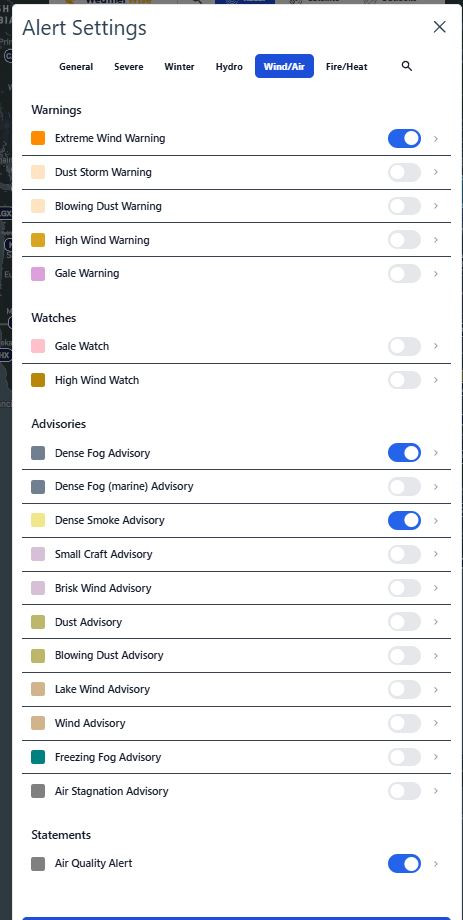
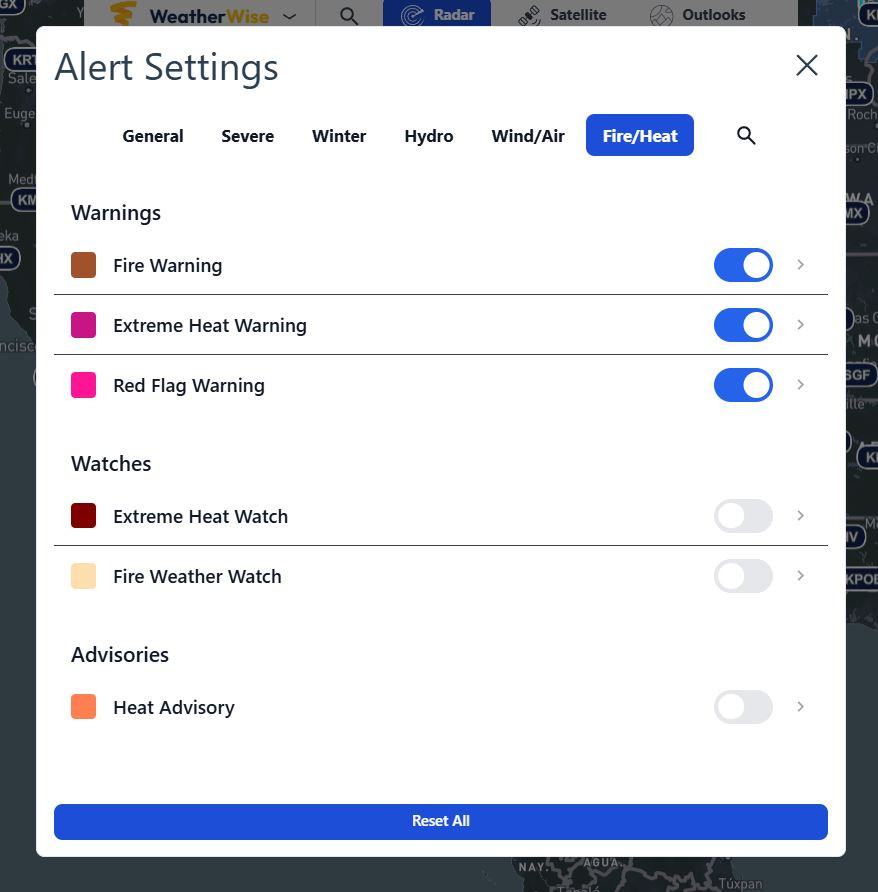
Fire and Heat Tab
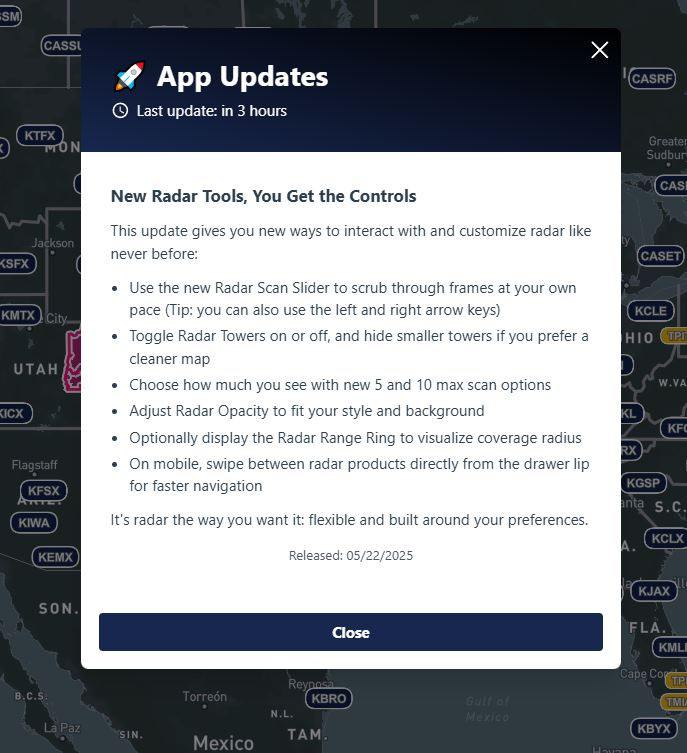
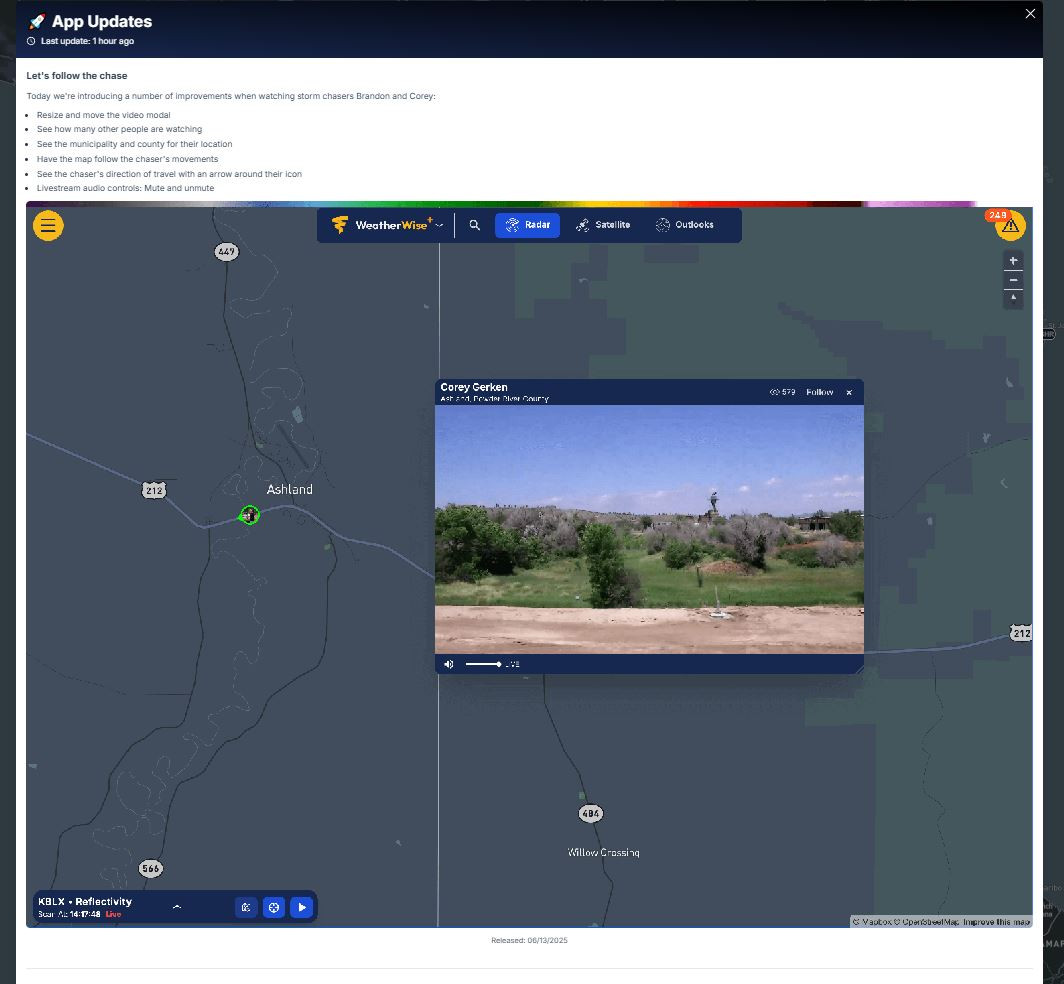
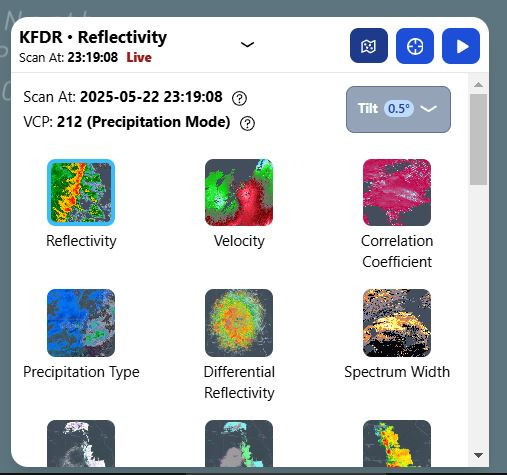
Different Radars will be lower left after you pick a Radar site it is also where The Play The radar loop button is, here you can also change the way radar towers look on map and also you can change all the colors the way you want them, Play back Speed Opacity and Radar Tilt and Reflectivity Gate filter is also set here.
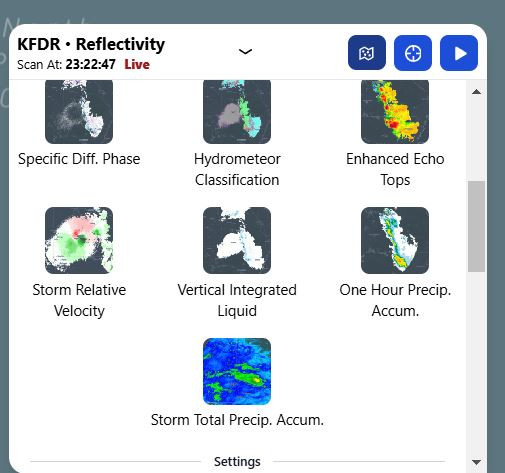
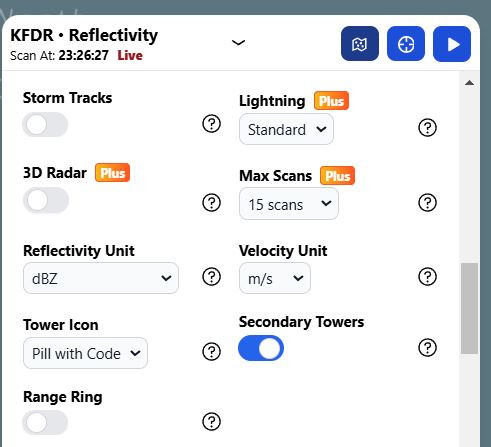
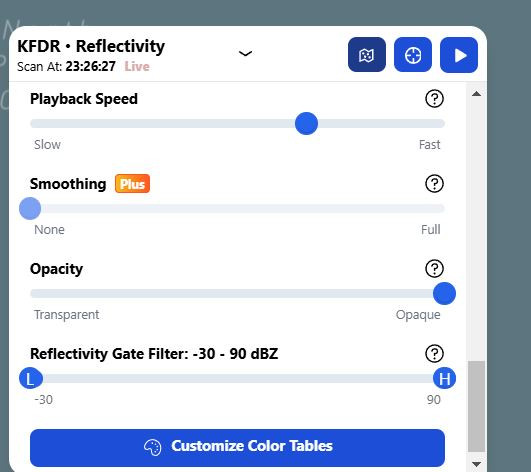
Under WeatherWise Menu top middle
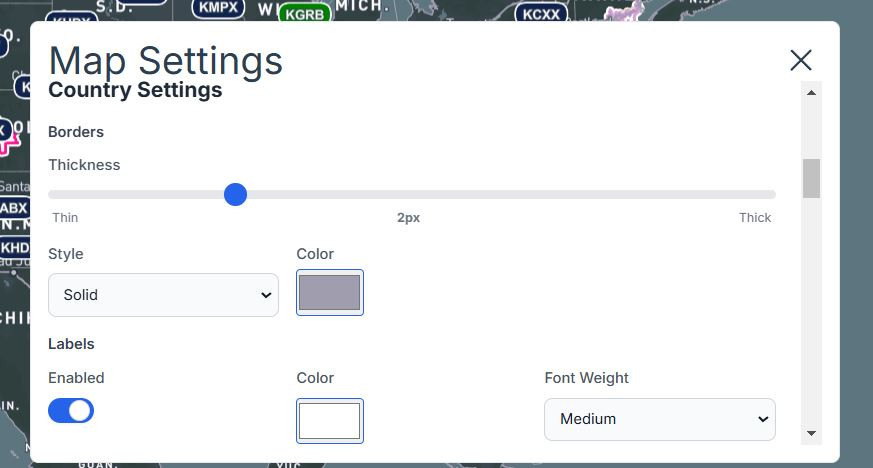
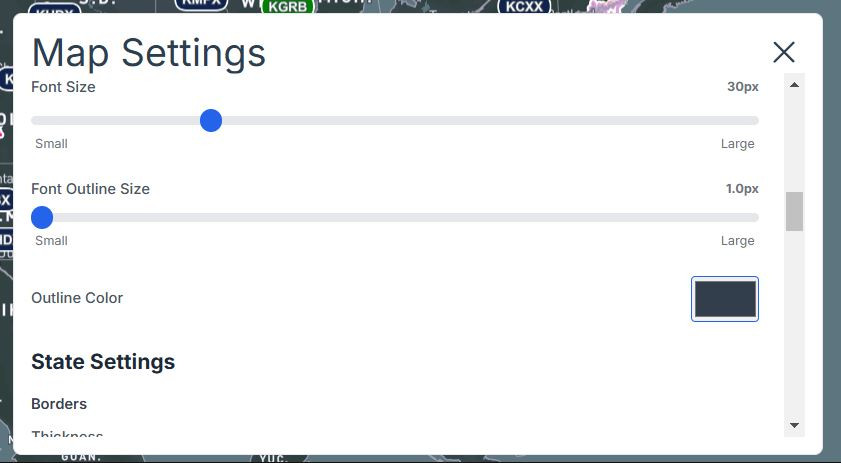
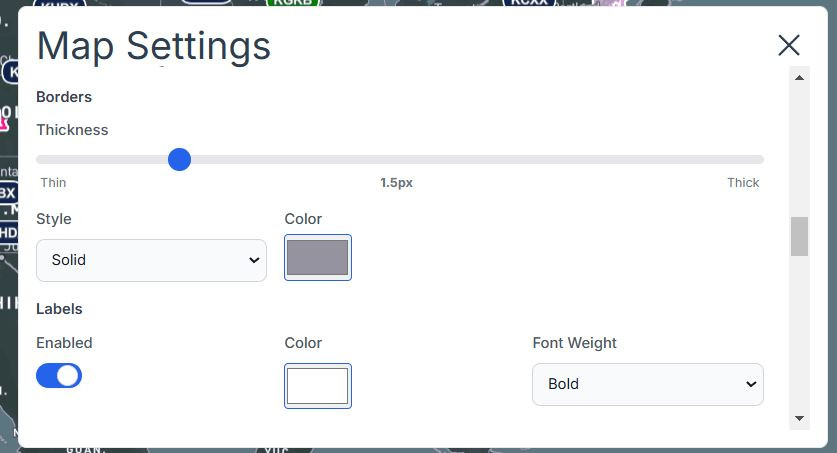
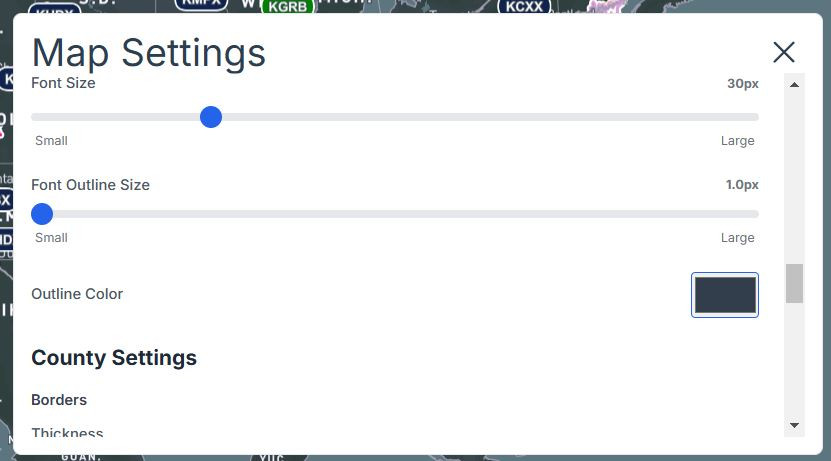
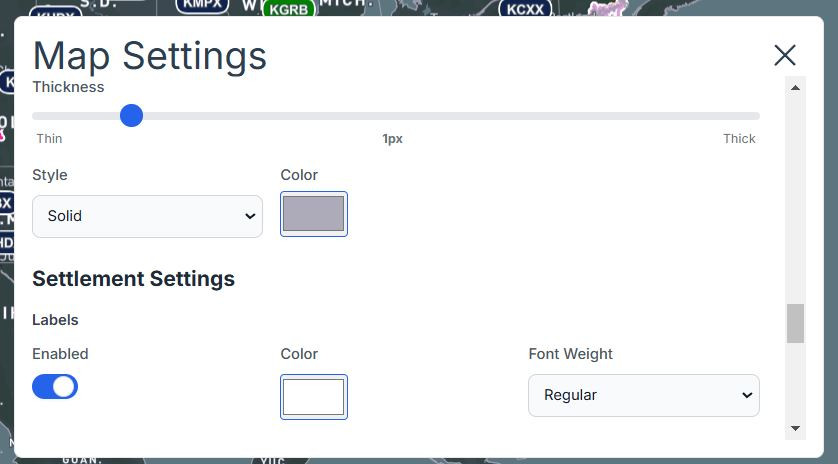
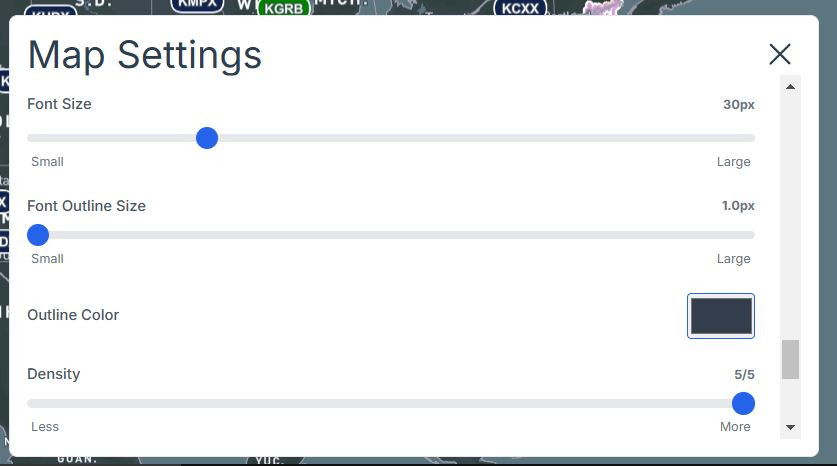
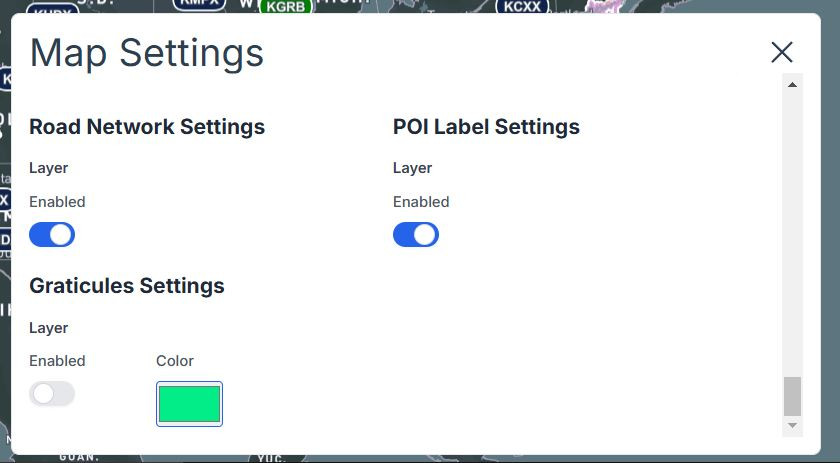
Map Settings Button
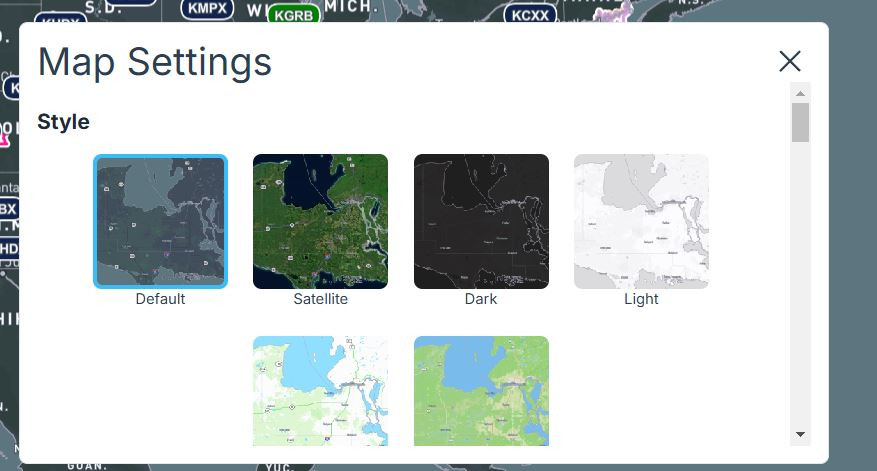
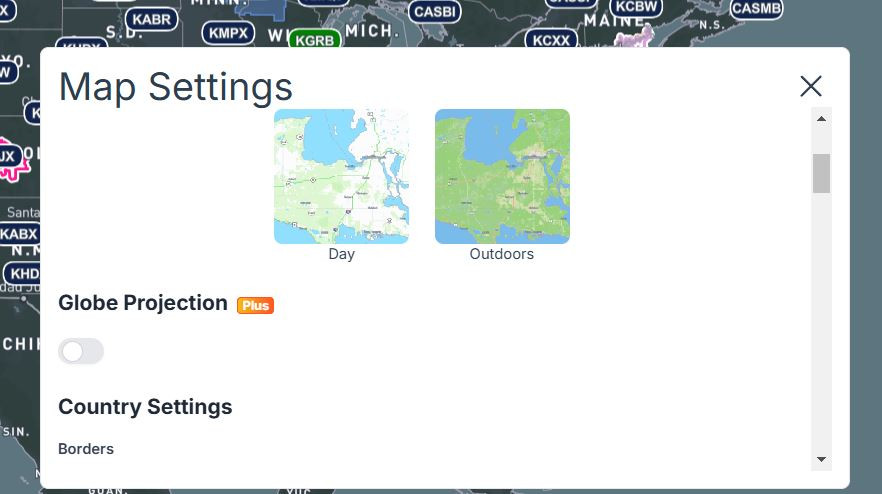
I HOPE THIS HELPS ANYONE