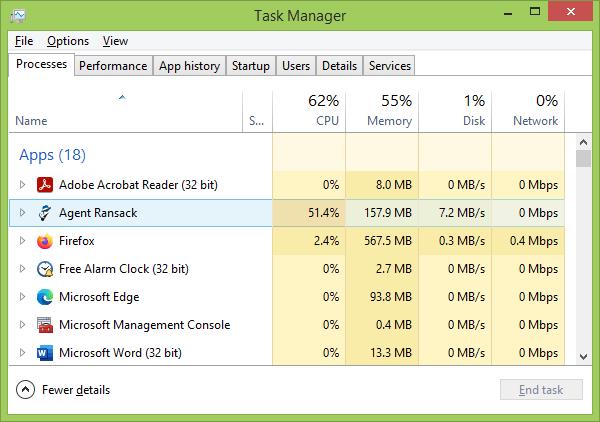
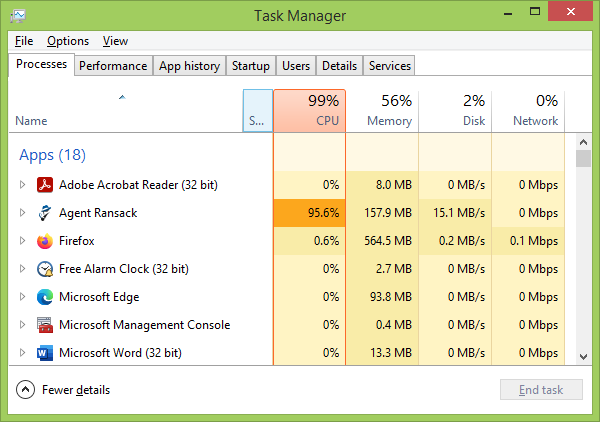
Occasionally I encounter cases when a program uses over 90% of the CPU and slows everything else to a crawl. One frequent offender is Firefox, and closing all tabs or restarting it usually fixes the issue. But other times that is not option – I started a wildcard (*.*) file search for an 8 character long string using AgentRansack, and it was taking up around 95 - 98% of CPU as per below image, and made everything else painfully slow:
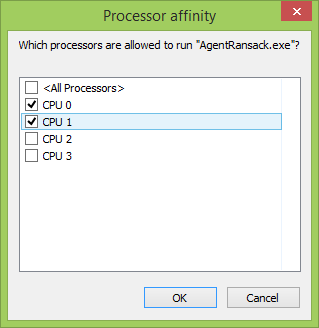
First, I tried to adjust priority from the “Details” tab but it didn’t make much of a difference, then I realized that I can also adjust affinity (Details -> right click -> Set affinity) from Task Manager, and that worked like a charm.