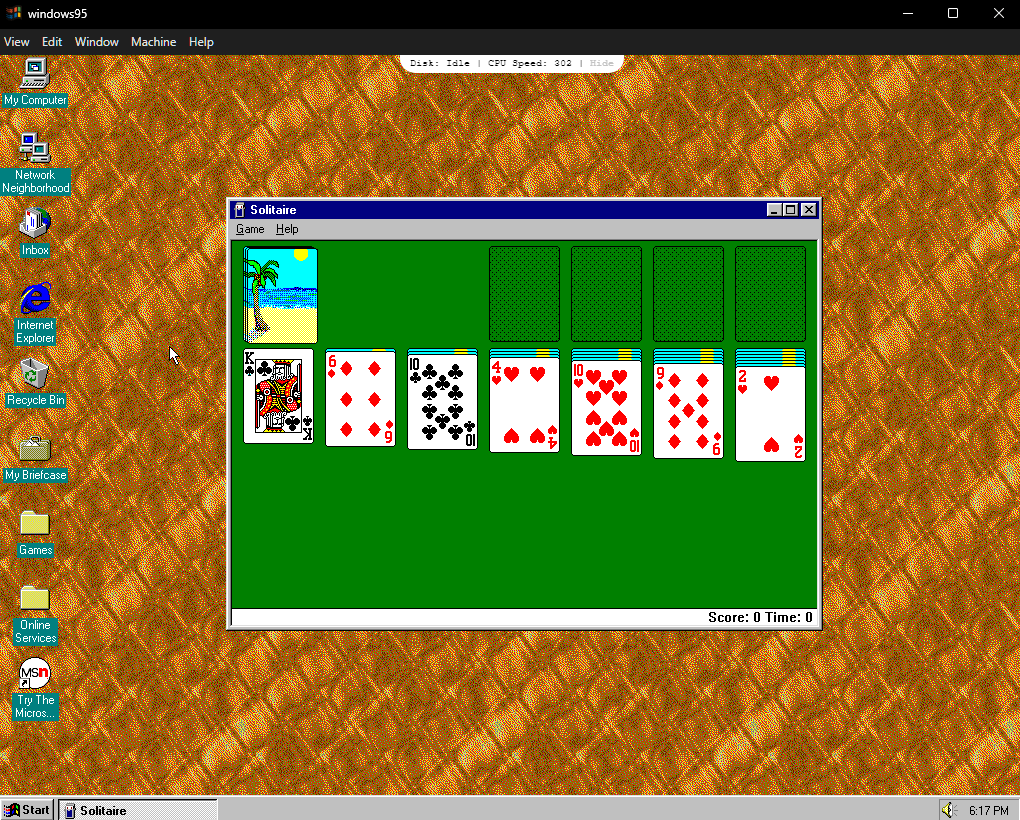
Get it here. It's a little tricky but works. I just got the portable version, the download "windows95-win32-x64-4.0.0.zip." When it opens don't hit Start Windows95 in the middle (that stalled for me) but hit Settings and then and then Boot from Scratch, and then it will run. Don't try to run it full screen because that will still just give you a window that takes up about half the screen. After I was done I just hit shut down and closed the window. Use your escape key to get the mouse cursor back that disappears after shut down.
Update: Kind of weird--sometimes the above start procedure works and sometime not, and sometimes the Start Windows 95 in the center will work. Just depends on what it wants to do each time, so you have to experiment a little but I can usually get it running one way or the other.🤷🤷