I just discovered this:
To post as a slideshow (arrows) do not separate the image links with a blank line:
[upl-image-preview uuid=239e35d6-a4f1-4625-8d08-296d360a9914 url=https://i.broadbandbulletin.com/2025-05-26/1748277178-50252-1748107670-423413-img-20250524-095439947-hdr-ae21.jpg alt={TEXT?}]
[upl-image-preview uuid=b739f715-db44-4604-b5ea-3f7fe4aed0cb url=https://i.broadbandbulletin.com/2025-05-26/1748278876-615845-1748107670-837256-img-20250524-095505955-hdr-ae21.jpg alt={TEXT?}]
NB: it will render as individual photos in the preview but will convert to slideshow when posted.
Also, the large blank space is due to the different image sizes.
To post as individual images separate the links with a blank line:
[upl-image-preview uuid=239e35d6-a4f1-4625-8d08-296d360a9914 url=https://i.broadbandbulletin.com/2025-05-26/1748277178-50252-1748107670-423413-img-20250524-095439947-hdr-ae21.jpg alt={TEXT?}]
[upl-image-preview uuid=b739f715-db44-4604-b5ea-3f7fe4aed0cb url=https://i.broadbandbulletin.com/2025-05-26/1748278876-615845-1748107670-837256-img-20250524-095505955-hdr-ae21.jpg alt={TEXT?}]
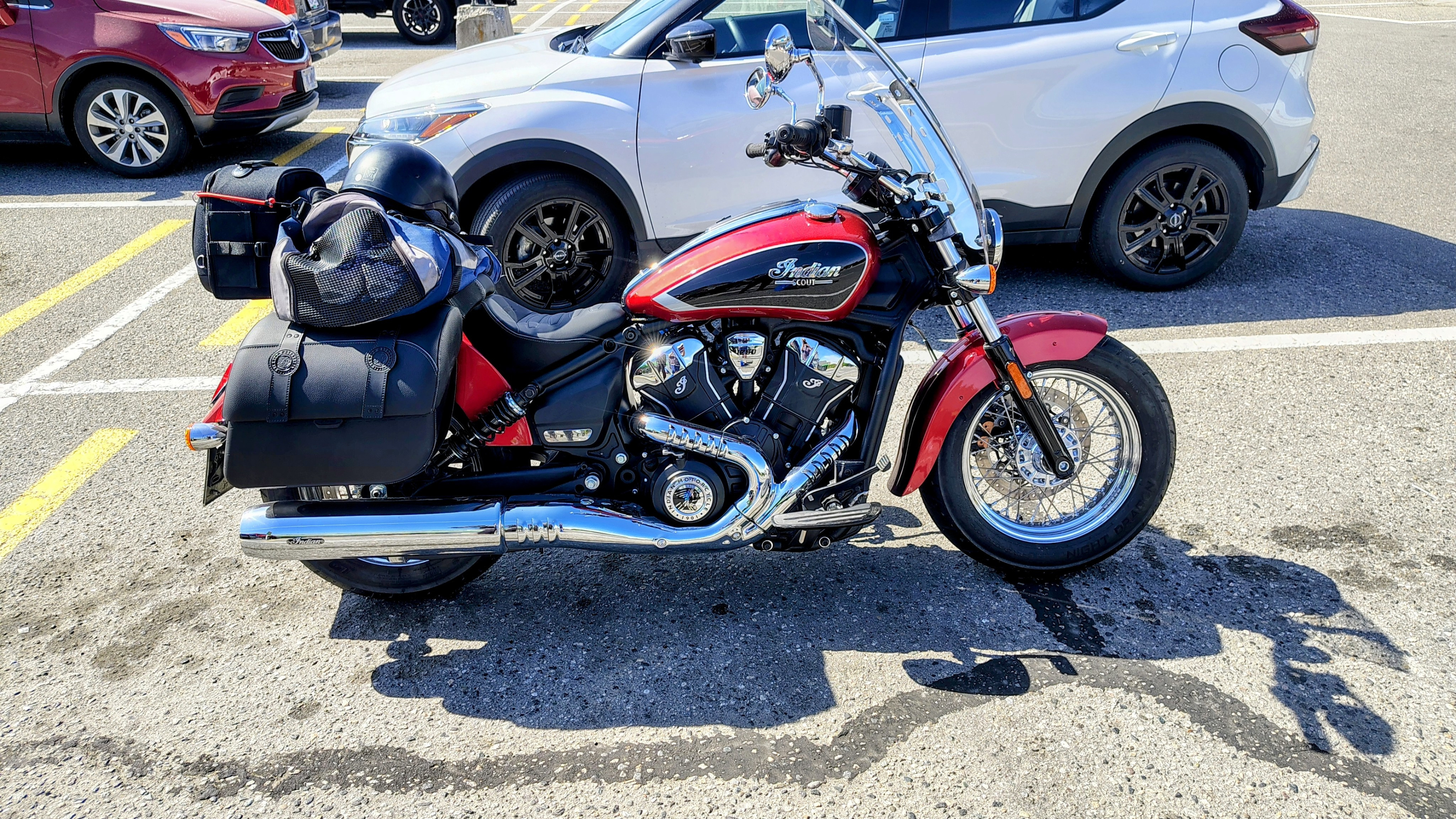
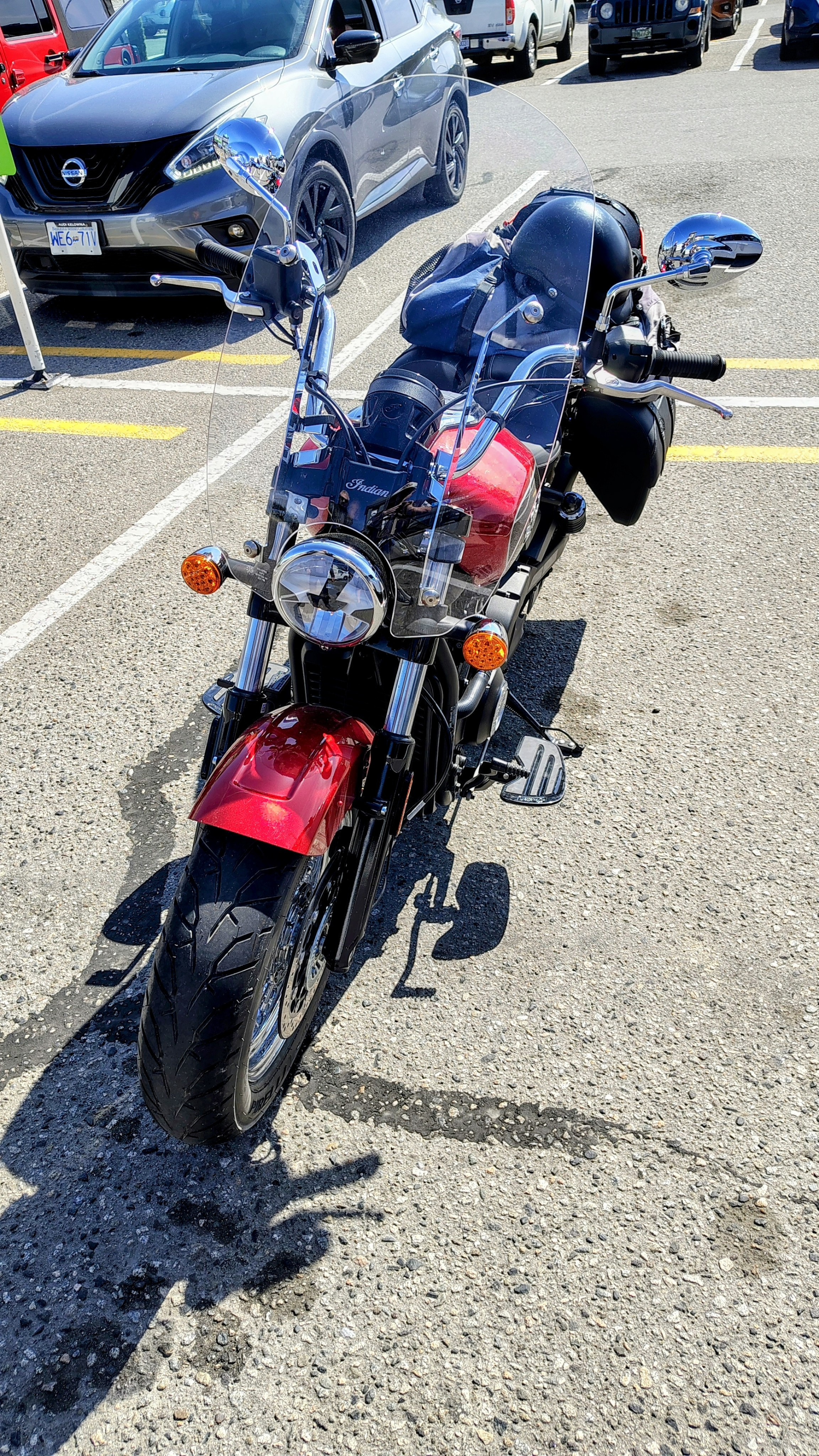
*Thanks to @ZZZZZZZ for the photos: https://broadbandbulletin.com/d/3301-new-indian-motorcycle